
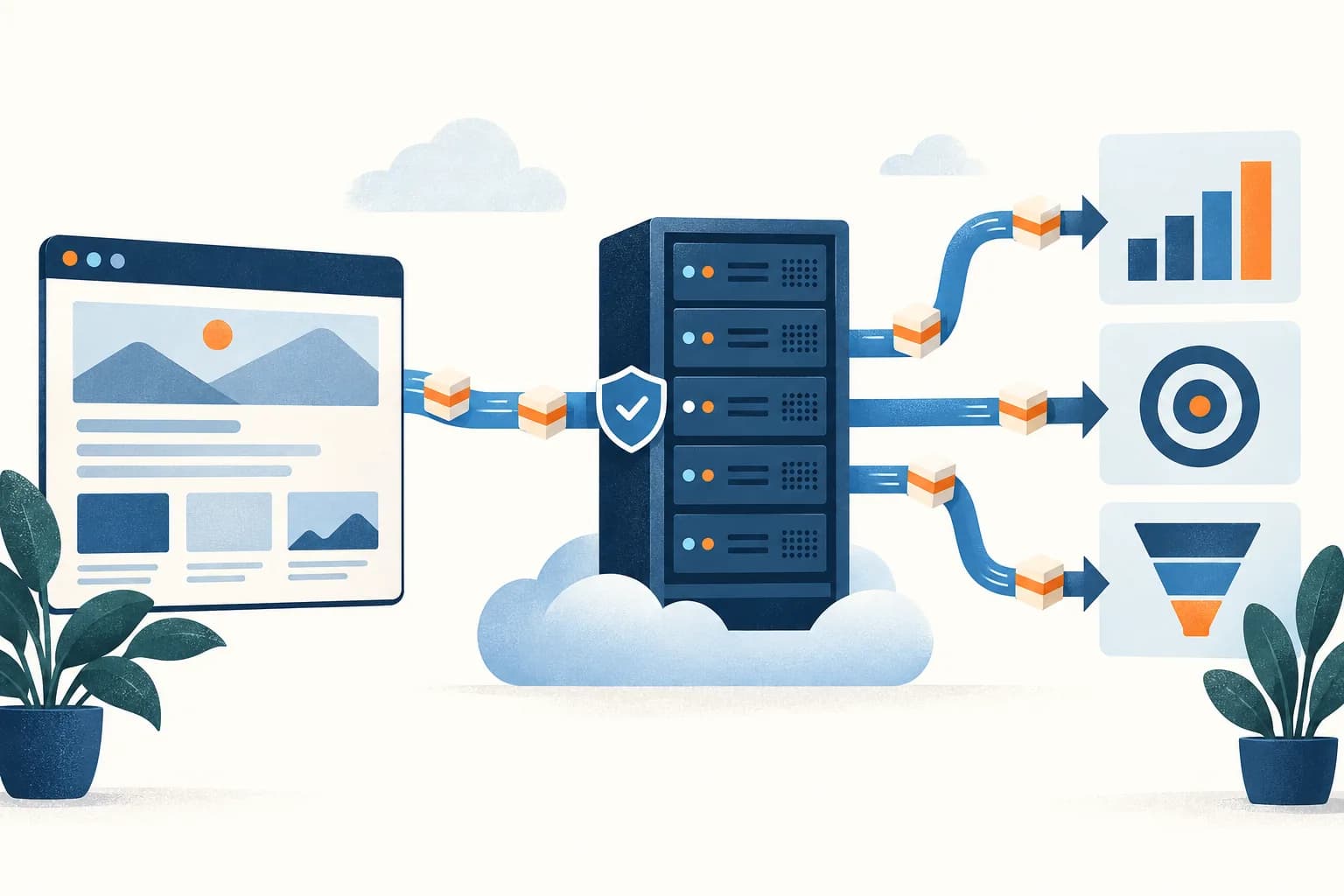
GoHighLevel server-side tracking means sending your funnel, form and booking events from a server rather than only from tags in the visitor’s browser. In practice that is two routes: a server-side GTM container on your own tracking domain for website events, and GoHighLevel workflows for leads, bookings and pipeline changes.
How tracking code works in GoHighLevel
HighLevel’s tracking code guide gives you two places to add scripts to a funnel or website:
- Site-wide. Open the funnel or website, go to Settings, and use the Head tracking code or Body tracking code field. It runs on every step or page. This is where base tags such as the GTM web container belong.
- Page-level. In the builder, open the page, choose Tracking Code, and use Header Tracking or Footer Tracking. It runs on that one step, such as a thank-you page.
Three details from the same guide catch people out:
- Adding the same script at both levels can cause duplicate page views, events and conversions. Use one level per script.
- Page-level tracking code is left out when you clone a page. Site-wide code still applies to the copy.
- HighLevel scripts may be injected dynamically, so they may not appear in View Page Source. Check them in your browser’s developer tools instead.
HighLevel also records its own attribution. Its attribution source guide says HighLevel forms, surveys, calendars, chat widgets and order forms capture UTMs and source when they are completed in the same session, and it classifies visits with a gclid, gbraid, wbraid or msclkid as paid search. That data lives on the contact, which is what the server-side routes below rely on.
Why embedded forms and calendars break browser tracking
HighLevel forms and calendars often live on a different site from the one the ad points to. HighLevel gives you embed code for forms and calendars to paste into another site. When that code renders the form in an iframe served from another origin, the browser’s same-origin policy stops the page’s scripts from reading what happens inside it. Your GTM container on the parent page never sees the submit.
HighLevel’s own External Tracking script, which captures submissions from forms on non-HighLevel sites, has the same limit. Its guide says: “Forms embedded via iframes or third-party widgets are not supported.”
The result is a familiar gap: HighLevel creates the contact, and GA4 and the ad platforms record nothing. Open your browser’s developer tools on the page to see whether the form sits in an iframe. The reporting side of this gap is covered in why GoHighLevel and GA4 numbers don’t match. The fix on the sending side is to fire the conversion from the record HighLevel saves, not from the page.
Your server-side options in GoHighLevel
There are four routes. Most accounts end up using the first two together.
| Route | What sends the event | Good for | Limits |
|---|---|---|---|
| Server-side GTM on your tracking domain | The GTM web container in the funnel’s tracking code, sending to a server container on a subdomain such as sgtm.example.com | Page views and on-page events to GA4, Google Ads, Meta and others, from one place | Only sees what happens on pages the tag runs on. Misses submits inside embedded iframes. |
| Workflow webhook to the server container | A HighLevel workflow that posts JSON to a path on your tracking domain when a form, booking or opportunity trigger fires | Leads, bookings and pipeline stages, wherever the form was embedded | Only carries what was saved on the record, so click IDs and cookies must be captured first. |
| HighLevel’s native workflow actions | Facebook Conversion API, Add to Google Ads and Add to Google Analytics actions | Sending to Meta and Google Ads without running your own server | Fixed fields and limited testing. Each action covers one platform. |
| Stape’s HighLevel tools | Stape’s GoHighLevel tag for server GTM, or its Conversion Tracking app from the HighLevel marketplace | Creating contacts from server GTM, or sending opportunity stage changes | Stape says the tag creates contacts only, with event tracking still to come. |
On Stape’s tools specifically: its GoHighLevel tag sends data into HighLevel, not out of it. Stape says “you can create new contacts with the help of this tag,” and that tracking events will be added later. Its separate Conversion Tracking app reacts to stage changes of your opportunities and sends them to platforms such as Meta and Google Ads, through Stape’s gateways or a server GTM container.
Browser tag in GoHighLevel vs workflow webhook
The first two routes cover different events, so it helps to be clear which one sends what. Click through to compare them.
1 / 6
What you need before you start
- Admin access to the HighLevel sub-account, including Settings, Integrations and Automation.
- The funnel or website on a custom domain, such as offers.example.com, and access to that domain’s DNS.
- A GTM web container and a GTM server container, hosted on Cloud Run or a managed host such as Stape.
- A tracking subdomain for the server container, such as sgtm.example.com, on the same domain as the funnel.
- Your GA4 Measurement ID, Google Ads conversion actions, and Meta dataset (Pixel) ID with a Conversions API access token.
- A short list of events: which form, booking and pipeline stage counts as which conversion on each platform.
How to set up GoHighLevel server-side tracking
Do the browser side first. The server side depends on what it captures.
1. Map a tracking subdomain to the server container
Google’s custom domain guide says a server container on its default domain “can only set JavaScript cookies,” and that your tagging server and your website have to run on the same domain. So we default to a first-party subdomain such as sgtm.example.com, and use the host’s default URL only as a temporary fallback while you test.
What that means on GoHighLevel:
- The funnel needs to be on your own domain. HighLevel’s domain guide connects a subdomain with a CNAME to
sites.ludicrous.cloud, or a root domain with an A record. Put the tracking subdomain on the same domain as that funnel. - The tracking subdomain is a separate DNS record. Add it in the same DNS zone, with the record your server host gives you. Don’t reuse the hostname that points to HighLevel. HighLevel’s guide says not to create both an A record and a CNAME for the same hostname.
- Use a subdomain, not a path. Same-origin setups route a path on the site to the container through a CDN or proxy. HighLevel’s guide says to set its records to DNS only, not Proxied, if Cloudflare manages your DNS. A subdomain avoids putting a proxy in front of HighLevel.
2. Install the web container in the funnel
Paste the GTM web container snippet into the funnel or website’s Head tracking code, so it runs on every step. Don’t also add it at page level. In the web container, set the GA4 tag to send to your tracking domain, so events reach the server container, which forwards them to GA4, Google Ads, Meta and other platforms. The server-side tagging guide covers the container setup itself.
If you already have a Meta Pixel or Google tag in the funnel’s tracking code, remove it once the same tag runs from GTM, or you will count events twice.
3. Save click IDs on the contact
A workflow can only send what HighLevel saved. Check each click ID before you build the sender:
- Google:
gclid,gbraid,wbraid. HighLevel’s Add to Google Ads guide says these must be on the contact record, and that HighLevel captures them when the lead arrives through an ad click. - Meta:
fbcandfbp. HighLevel’s Conversion API action sends fbp and fbc as customer data, and needs the contact to have Facebook attribution data. If you send to Meta yourself, Meta’s fbc guide says you can build fbc from thefbclidin the landing URL asfb.1.<timestamp in ms>.<fbclid>. Keep the fbclid’s case unchanged. - Microsoft:
msclkid. HighLevel uses it to classify paid search. If you send Microsoft Ads conversions from a workflow, store it in its own contact custom field too. - GA4: the
_gaclient ID. Google’s Measurement Protocol guide says server events for a web stream need aclient_idthat matches the one the Google tag set on your site. Store it on the contact if you want server events tied to the visitor’s session.
Whatever method you use to fill custom fields, submit a test lead from an ad-style URL and check that each value landed on the contact.
4. Send leads, bookings and stage changes from workflows
Create one workflow per conversion. HighLevel’s trigger list includes the ones you need: Form Submitted, Survey Submitted, Customer Booked Appointment, Appointment Status, Opportunity Status Changed and Pipeline Stage Changed. Filter Form Submitted to the one form that counts as a lead.
Then add a webhook action. HighLevel has two:
- Webhook (Outbound). Per HighLevel’s webhook guide, it sends a standard set of contact data by POST, plus key-value pairs you add under Custom Data. Appointment, opportunity and other objects are “ONLY” included when the matching trigger is used, so a booking needs an appointment trigger.
- Custom Webhook. Per the Custom Webhook guide, you choose the method, a JSON or form-encoded body, headers and authentication, and insert values such as
{{contact.email}}. HighLevel advises putting secrets in headers, not URLs. Use this one when you need an exact JSON shape.
Point the webhook at a path on your tracking domain. Stape’s CRM webhook guide describes the server side: the webhook sends JSON to the container URL with a path, its Data Client claims the request, and server tags such as Meta CAPI fire on that path. A body might look like this:
POST https://sgtm.example.com/ghl/lead
Content-Type: application/json

{
  "event_name": "generate_lead",
  "event_id": "<stable ID, such as a record ID>",
  "email": "{{contact.email}}",
  "gclid": "<gclid from the contact>",
  "fbc": "<fbc from the contact>",
  "fbp": "<fbp from the contact>",
  "ga_client_id": "<_ga client ID from the contact>",
  "page_url": "https://offers.example.com/apply"
}
In the server container, map these fields to each platform’s tag, hash email and phone where the platform requires it, and fire each tag on the webhook path. Send only the fields each platform needs.
5. Or use HighLevel’s native conversion actions
If you don’t run a server container, HighLevel has three workflow actions that send to platforms directly.
- Facebook Conversion API. HighLevel’s Conversion API guide supports funnel events (Form Submitted, Survey Submitted, Customer Booked Appointment and Order Form Submission) and lead events from contact triggers such as Opportunity Status Changed. You connect a Pixel ID and access token. The contact “must already have the required attribution information from a previous Facebook interaction.” HighLevel’s funnel event guide recommends checking Event ID and sending IP address, user agent, email and name.
- Add to Google Ads. Connect Google Ads under Settings, Integrations, and create the conversion action in Google Ads first. HighLevel says the name “must match exactly,” and that a One Per Click conversion needs a GCLID, because GBRAID and WBRAID only work with Many Per Click.
- Add to Google Analytics. HighLevel’s GA action sends a custom event with a Measurement ID, an API Secret, an event name and an optional value. Its guide does not say which client ID it sends, so check how these events appear in GA4 before you use them for attribution.
For won deals and other pipeline outcomes, the details are in GoHighLevel offline conversions to Google Ads and Meta.
Field mapping: GoHighLevel to each platform
| Value in GoHighLevel | GA4 (Measurement Protocol) | Google Ads | Meta CAPI |
|---|---|---|---|
| _ga client ID saved on the contact | client_id | Not used | Not used |
| gclid, gbraid, wbraid | Not used | Click ID on the conversion | Not used |
| fbc and fbp | Not used | Not used | user_data.fbc, user_data.fbp, unhashed |
| Email and phone | Don’t send to GA4 | Hashed, for enhanced conversions | user_data.em, user_data.ph, hashed |
| Stable record ID | An event parameter, if you need one | Order ID, unique per conversion action | event_id |
| Trigger, such as Form Submitted | Event name, such as generate_lead | The conversion action | event_name, such as Lead |
| Opportunity value | value and currency | Conversion value and currency | custom_data.value and currency |
How deduplication works
The risk on GoHighLevel is two senders for one lead: a Meta Pixel in the funnel’s tracking code and a server event from a workflow, or HighLevel’s native action and your own server tag. Meta’s deduplication guide matches a browser and server event when the event name and event ID match, and only within 48 hours of the first copy.
- Pick one sender per event and platform where you can. If the form is in an iframe the browser tag can’t see the submit anyway, so the workflow is the only sender.
- If both send, share the event ID. The server copy needs the ID the browser used, so save it on the contact at submit and send it from the workflow.
- Don’t mix routes. HighLevel says deduplication is handled automatically for its own Conversion API action, but its guides don’t say what value the event ID carries. Don’t send the same event from the native action and from your server container.
- Reuse the ID on retries. A new ID for a retried request looks like a second lead.
More on matching rules in Meta Conversions API deduplication.
How to check that it works
- Open a funnel step with your browser’s developer tools and confirm GTM loads once and sends requests to your tracking subdomain. Don’t rely on View Page Source.
- Run Preview on the web and server containers together, submit a test form on the HighLevel page, and confirm each server tag fires once.
- Use Test Workflow in draft mode for the Custom Webhook, then check the workflow’s Execution Logs for the status code.
- To see a webhook in server preview, copy the X-Gtm-Server-Preview header from preview mode and add it to the webhook headers. Stape notes the value changes every few days, so remove it after testing.
- Submit a lead from an embedded form on the other site and confirm the workflow sends it, even though the page tag sees nothing.
- For Add to Google Ads, HighLevel says there is no way to test the event. Check Executed or Skipped in Execution Logs once real leads arrive.
- In Meta Events Manager, confirm each lead appears once, with the event ID you expect.
Common errors and fixes
| Symptom | Likely cause | Fix |
|---|---|---|
| Page views count twice | The same tag is in both the site-wide and page-level tracking code, or in GTM and the funnel | Keep each script at one level, and remove direct tags once GTM sends them. |
| Contacts appear in HighLevel but no lead event in GA4 or Meta | The form or calendar is embedded in an iframe on another site | Send the lead from a Form Submitted or booking workflow instead of the page tag. |
| Cookies set by the server container don’t persist | The container runs on the host’s default domain, or on a different domain from the funnel | Map a subdomain on the funnel’s own domain, such as sgtm.example.com. |
| Add to Google Ads shows Skipped | No click ID on the contact, a name that doesn’t match the conversion action exactly, or GBRAID on a One Per Click action | Copy the conversion name from Google Ads exactly, and check the contact has a GCLID. |
| Meta CAPI events fire but don’t attribute | The contact has no Facebook attribution data from an earlier Facebook interaction | Check the contact’s attribution, and capture fbc and fbp when the lead arrives. |
| The webhook payload has no appointment or opportunity data | The workflow uses a contact trigger, so those objects aren’t carried | Use an appointment or opportunity trigger for that workflow. |
| Webhook returns 401 or 403 | A missing or wrong token or key | Check the auth settings in the Custom Webhook, and keep the secret in a header. |
| One lead counts twice in Meta | The Pixel and a server event use different event IDs, or the native action and your server tag both send it | Use one sender, or the same event name and event ID on both. |
How GoHighLevel fits with your other platforms
The server container is the same one you would use on any site, on the same tracking domain. GoHighLevel only changes how the browser side is installed and adds workflows as a second sender. The server-side tagging guide covers other site platforms and the container itself.
- Won deals and pipeline stages go back to ad platforms as offline conversions. See GoHighLevel offline conversions.
- Reporting by source depends on the same click IDs and UTMs. See GoHighLevel attribution reporting.
- Google Ads can also match leads on hashed email and phone. See the enhanced conversions guide.
Maven can set up the server container and workflow events for GoHighLevel accounts, or send lead and pipeline events from GoHighLevel to Google Ads and Meta for you. To start with the browser side, a Free Tracking Scan shows which tags load on your funnel today.
Get the next one before it hits.
Short emails when Meta, Google, GA4 or LinkedIn change something that moves your numbers.
Part of: Server-side tagging
Frequently asked questions
Does GoHighLevel support server-side tracking?
Yes, in two ways. Workflows can send form, booking and opportunity events from HighLevel’s servers, either through native actions such as Facebook Conversion API and Add to Google Ads, or through a webhook to an endpoint you control. You can also add a Google Tag Manager web container in the funnel’s tracking code and send its events to a server container on your own tracking domain.
Does GoHighLevel have a Meta Conversions API integration?
Yes. The Facebook Conversion API workflow action sends funnel events, such as Form Submitted or Customer Booked Appointment, and lead events, such as an opportunity status change, to your Meta dataset. HighLevel says the contact must already have Facebook attribution data from an earlier Facebook interaction, so contacts without it will not attribute.
Can I use server-side GTM with GoHighLevel?
Yes. Put the GTM web container in the funnel or website’s Head tracking code and point it at a server container on a subdomain such as sgtm.example.com. For events that happen inside HighLevel, send a workflow webhook as JSON to a path on the same tracking domain, and claim it with a client in the server container, such as Stape’s Data Client.
Why doesn’t my GTM or GA4 tag see GoHighLevel form submissions?
Usually because the form or calendar is embedded on another site and runs in its own frame. A browser does not let a page read inside a frame from another origin, so the page’s tags never see the submit. HighLevel’s External Tracking script also does not support forms embedded via iframes. Send the submit from a workflow instead, or tag the HighLevel page itself.
What tracking domain should I use for a GoHighLevel funnel?
A subdomain of the same domain the funnel runs on. If the funnel is on offers.example.com, map the server container to something like sgtm.example.com with its own DNS record. Google says the tagging server and the website have to run on the same domain. Use the host’s default URL only while you test.
How do I stop a GoHighLevel lead counting twice in Meta?
Send each lead to Meta from one route, or give the browser and server copies the same event name and event ID. Meta deduplicates matching events received within 48 hours of the first one. Don’t run HighLevel’s native Conversion API action and your own server tag for the same event.
Does Stape’s GoHighLevel tag send conversion events?
Not today. Stape says its GoHighLevel tag for server GTM creates new contacts through the HighLevel API, and that event tracking is a feature still to be added. Stape also has a separate HighLevel marketplace app that reacts to opportunity stage changes and sends them to platforms such as Meta and Google Ads.
Can I test the Add to Google Ads workflow action?
Not directly. HighLevel says there is currently no way to test this event. Check the workflow’s Execution Logs after real leads come in: Executed means the conversion was sent, and Skipped means something failed, such as a missing click ID or a conversion name that does not match exactly.
Sources and references
- HighLevel Support: Add tracking code/script to funnels and websites
- HighLevel Support: How to set up root domain/subdomain for funnels/websites
- HighLevel Support: Embedding HighLevel forms on non-HighLevel websites
- HighLevel Support: How to embed a HighLevel calendar on any website using HTML
- HighLevel Support: Capture external form submissions automatically
- HighLevel Support: Understanding attribution source
- HighLevel Support: A list of workflow triggers
- HighLevel Support: Workflow action, Webhook (Outbound)
- HighLevel Support: Workflow action, Custom Webhook
- HighLevel Support: Facebook Conversions API trigger in workflows
- HighLevel Support: How to set up a funnel event pixel for Facebook Conversion API
- HighLevel Support: Workflow action, Add to Google Ads
- HighLevel Support: Workflow action, Add to Google Analytics
- Google Tag Manager: Map server-side tagging to a custom domain
- Google Analytics: Send Measurement Protocol events
- Meta: Deduplicate Pixel and server events
- Meta: fbp and fbc parameters
- MDN: Same-origin policy
- Stape: GoHighLevel tag for server GTM
- Stape: HighLevel CRM Stape Conversion Tracking app
- Stape: Send data from CRM to Facebook Conversions API using webhooks
- Stape: Debug incoming webhooks in server GTM preview