Start here · Attribution & Measurement
Why your numbers never match between platforms
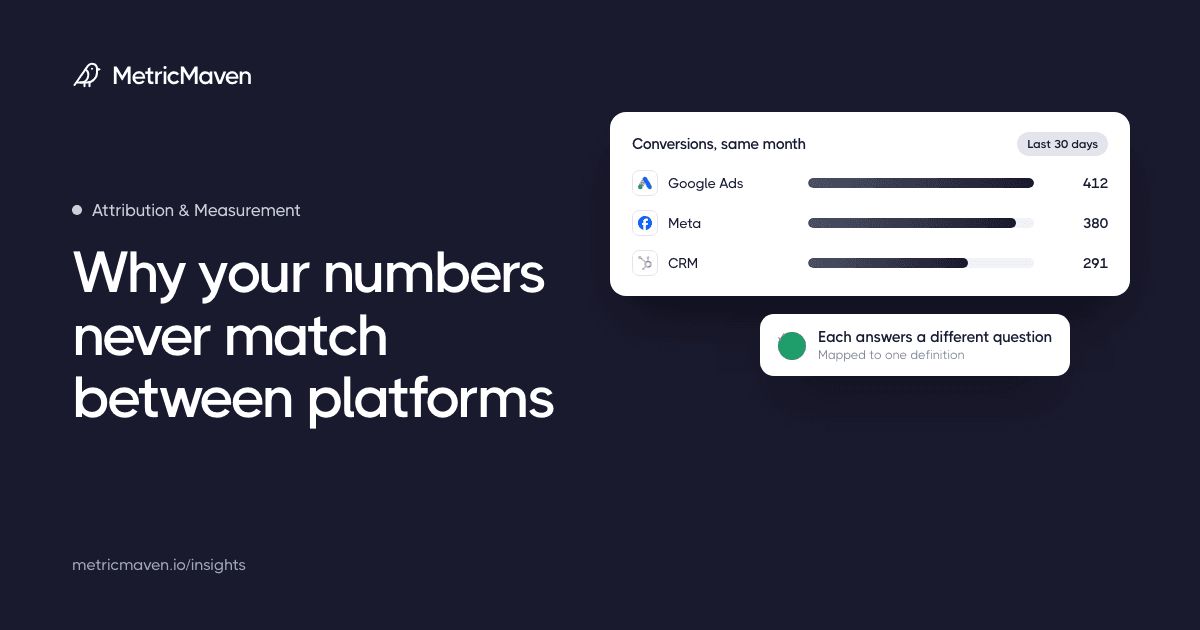
Your ad dashboards and CRM can count different things, even when the tracking works. Here is how to check the definitions, find the gaps, and explain the report.

Insights
Practical notes on tracking, attribution, and reporting, drawn from the work behind the numbers.
Start here · Attribution & Measurement
Your ad dashboards and CRM can count different things, even when the tracking works. Here is how to check the definitions, find the gaps, and explain the report.
2 tools
Check which pixels and conversion tags your site loads, whether any fire twice, how consent is set up, and whether Google tags use a server-side endpoint.
Enter the numbers two platforms report, such as Meta Ads and GA4, and see the gap, which side is higher, and the usual causes for that direction.
21 articles
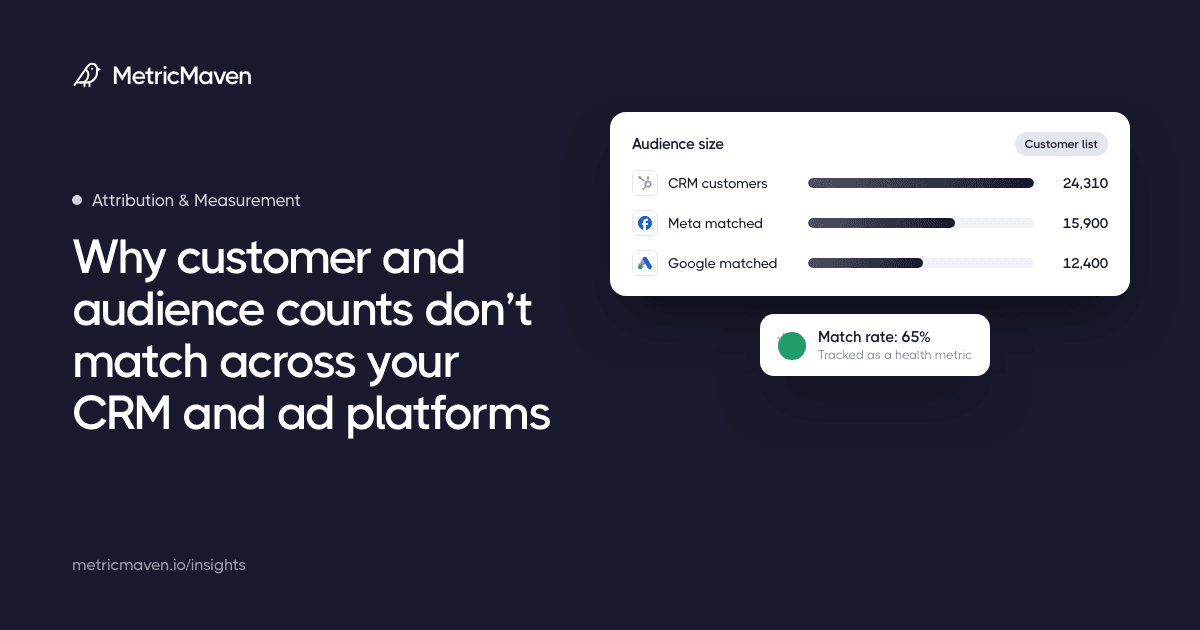
Customer and audience counts differ because each tool counts something different. Stop forcing them equal, name the CRM as the source of truth, and track match rate as a health metric.
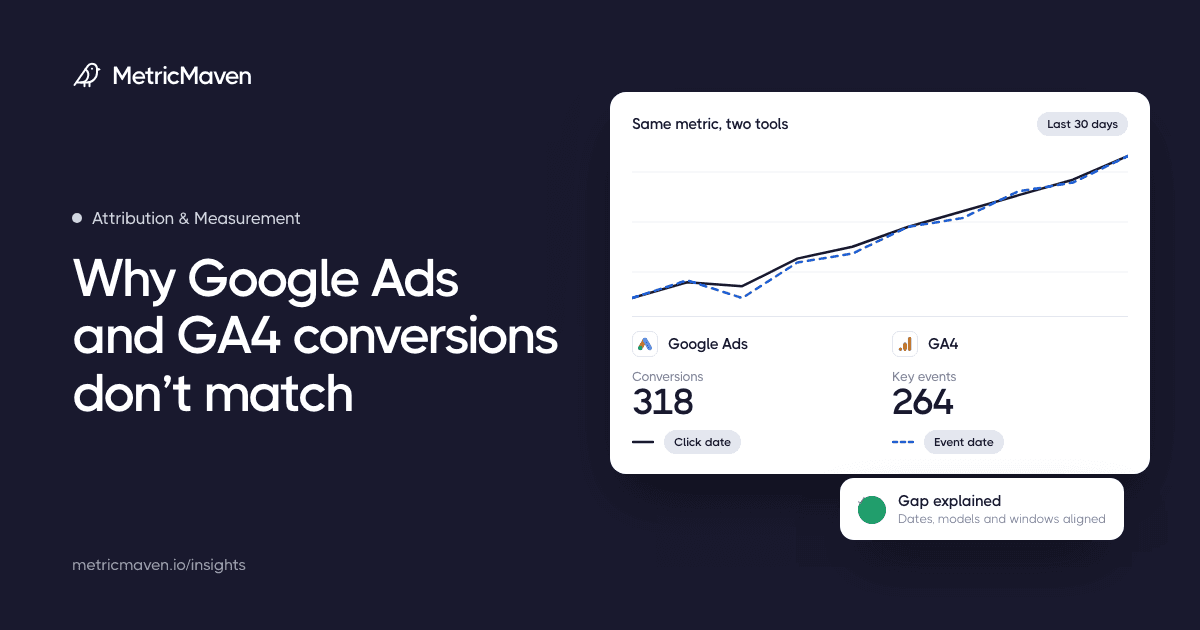
Google Ads and GA4 count conversions on different dates, models, windows, and tags. Here is how to find the gap and reconcile the two before the next review.
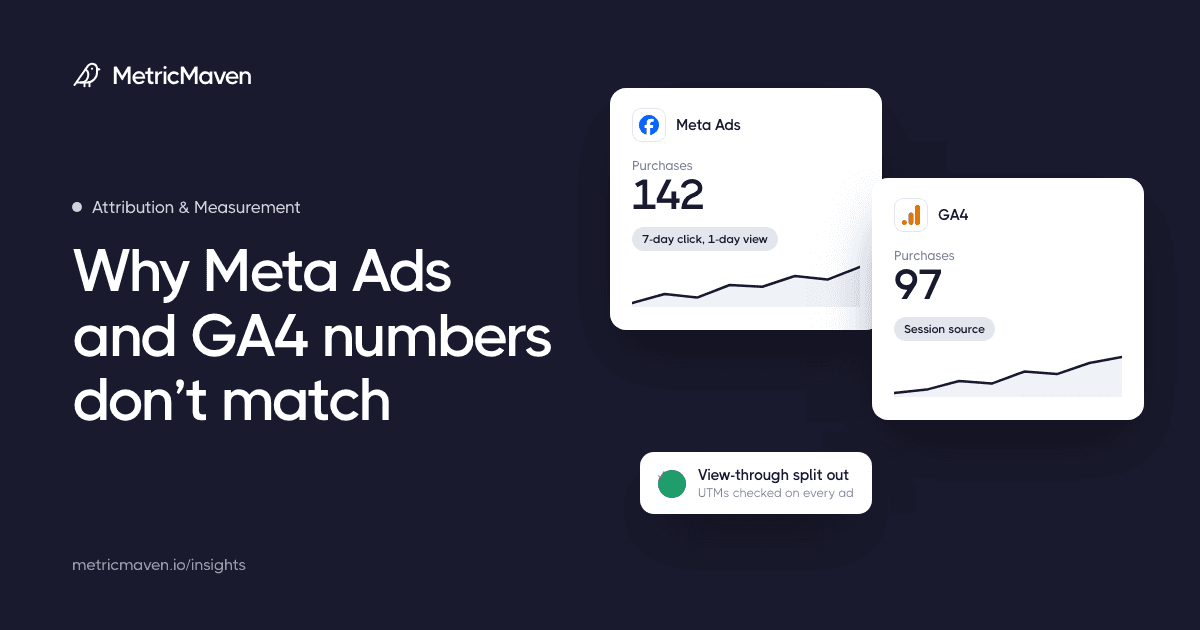
Meta and GA4 disagree on conversions because of view-through credit, attribution windows, cross-device identity, and missing UTMs. Here is how to reconcile them.
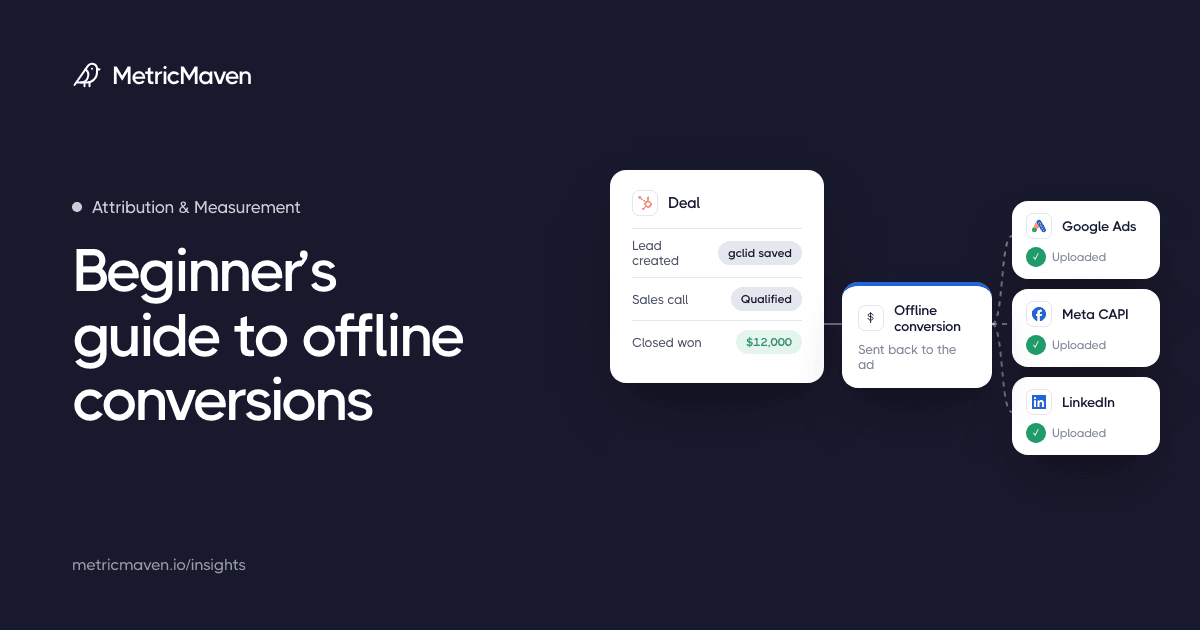
When a deal closes on a sales call or in your CRM, your ad platforms never see it. This guide explains offline conversion tracking from the ground up: what to capture when a lead arrives, how to send the outcome to Google Ads, Meta, Microsoft, LinkedIn and TikTok, how the credit works, and what changed in 2026.
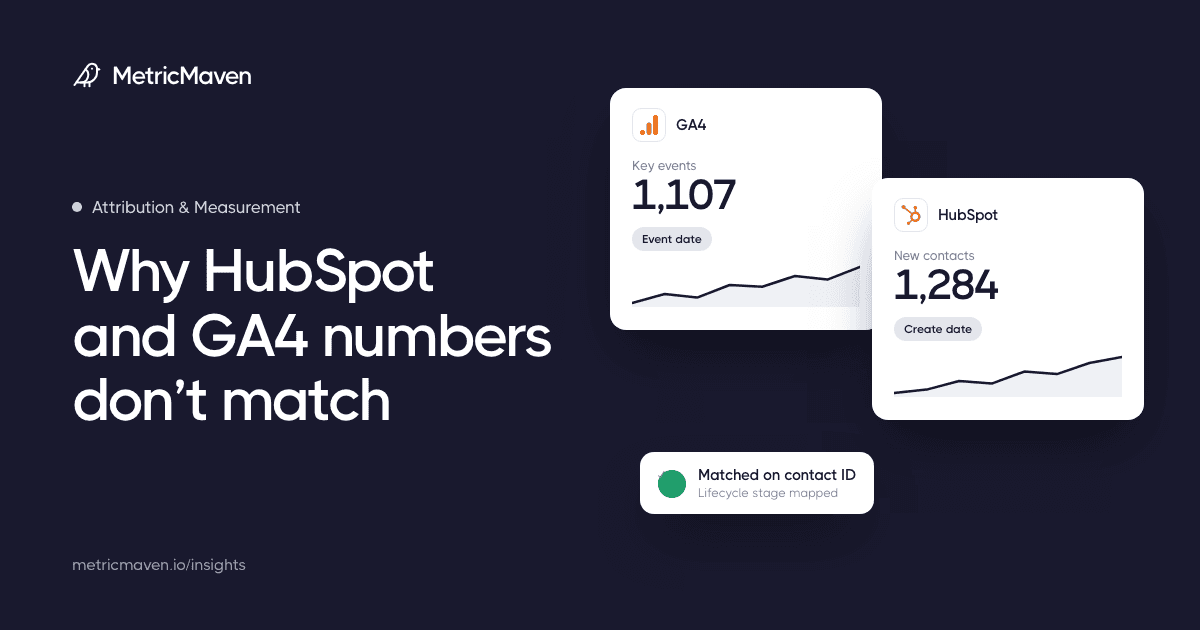
HubSpot and GA4 disagree because they count different events, people, windows, and lifecycle states. Here is how to reconcile them before the next report review.
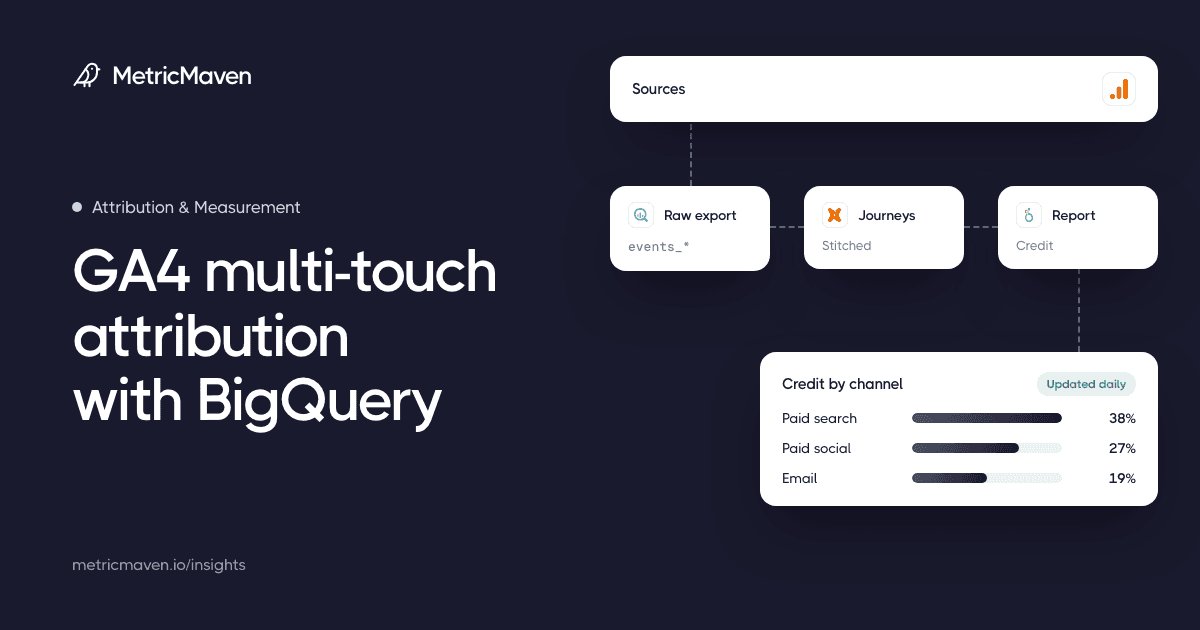
Turn the GA4 export into sessions, find each conversion, join the sessions in a lookback window before it and assign credit with window functions. The SQL below builds position-based and time-decay models and a channel rollup. It will not match GA4’s data-driven model, which the export does not include.
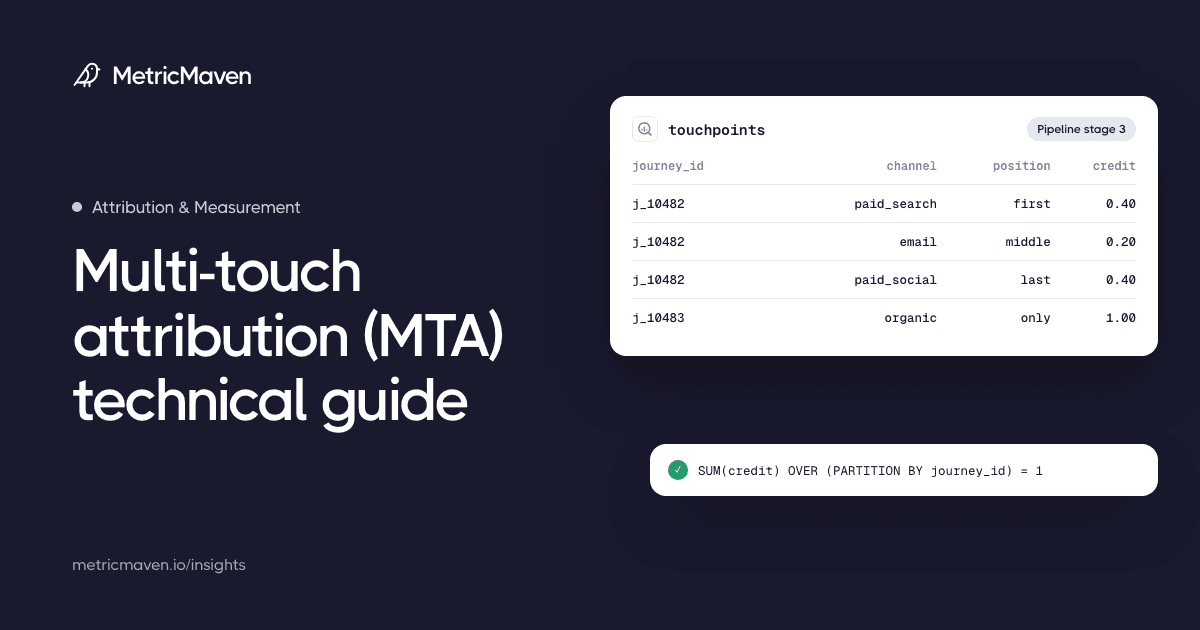
Multi-touch attribution (MTA) shares credit for a conversion across the interactions your systems recorded before it, and an attribution model is the rule that decides how.
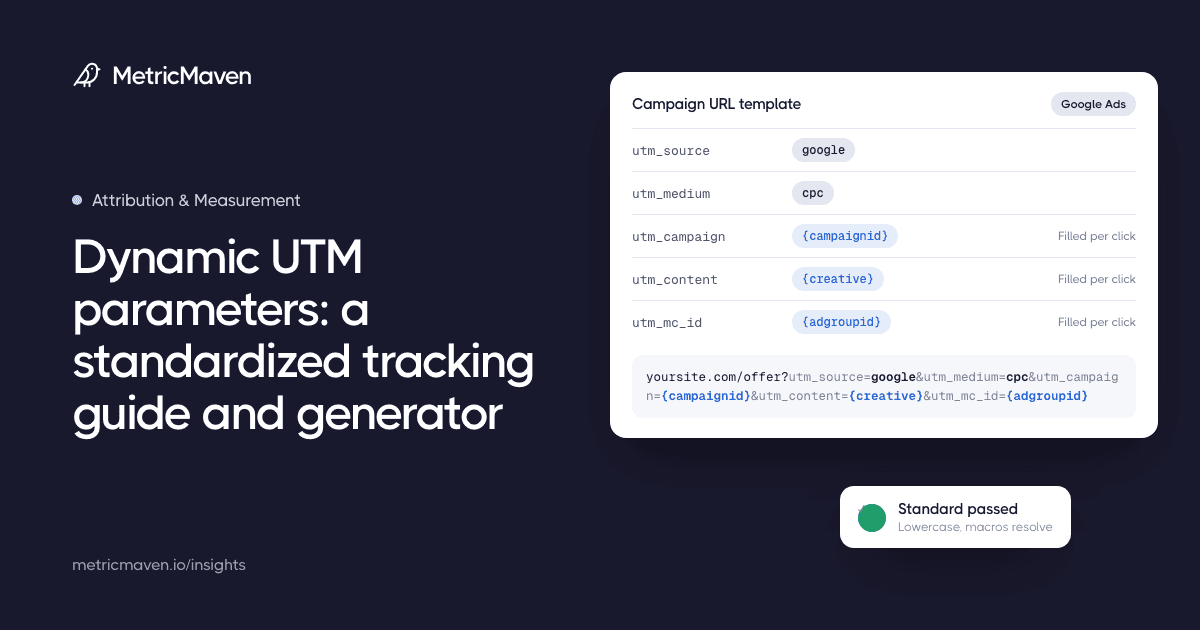
Build a platform-ready dynamic UTM template, learn how to test supported macros, and see why Maven uses utm_mc_id to audit paid-media attribution coverage.
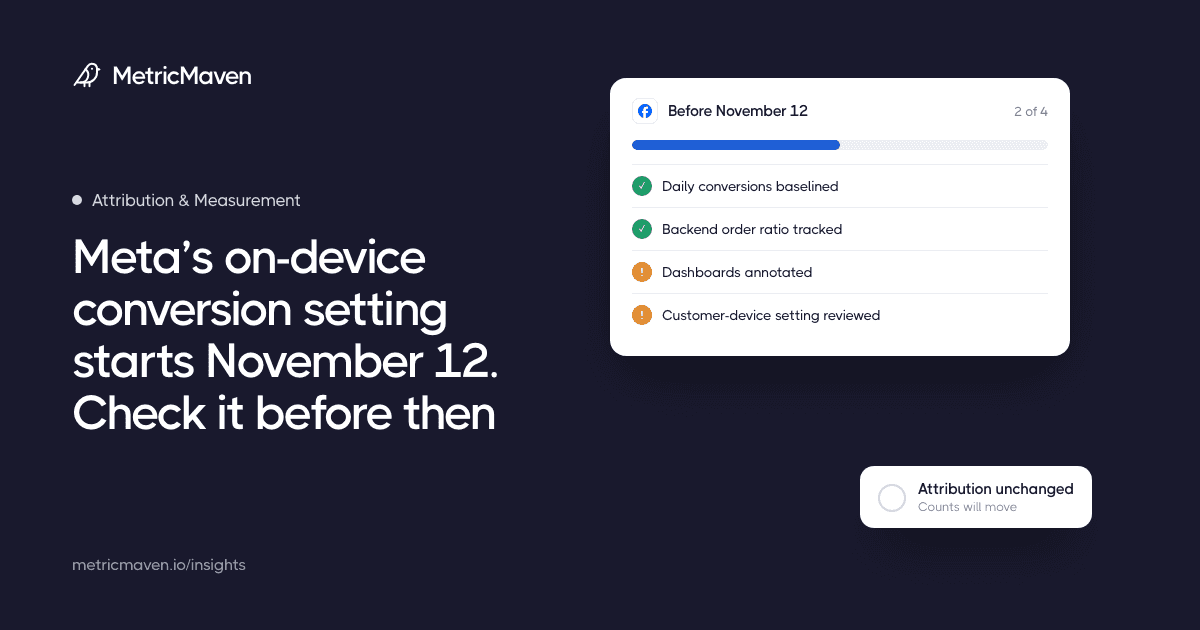
Meta’s “Measure conversions on customer devices” is on by default for eligible pixels. It changes which conversions Meta can see, not how they are credited.
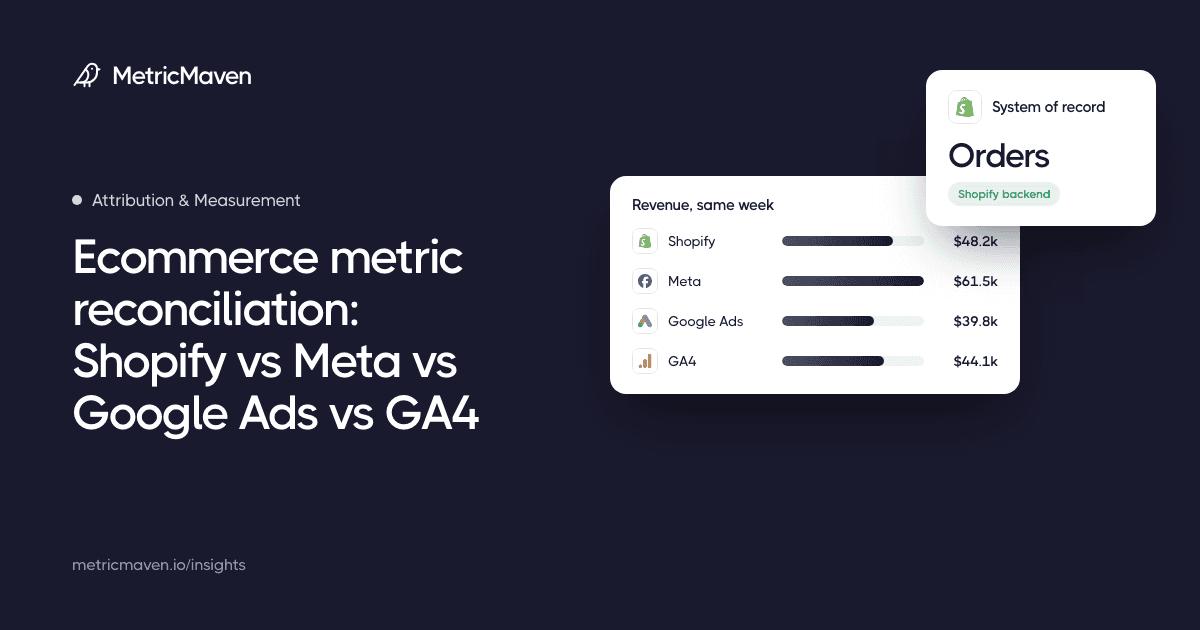
Shopify, Meta, Google Ads, and GA4 each count sales on their own dates and credit rules. Here is the system of record for each metric and the weekly ratios that keep them honest.
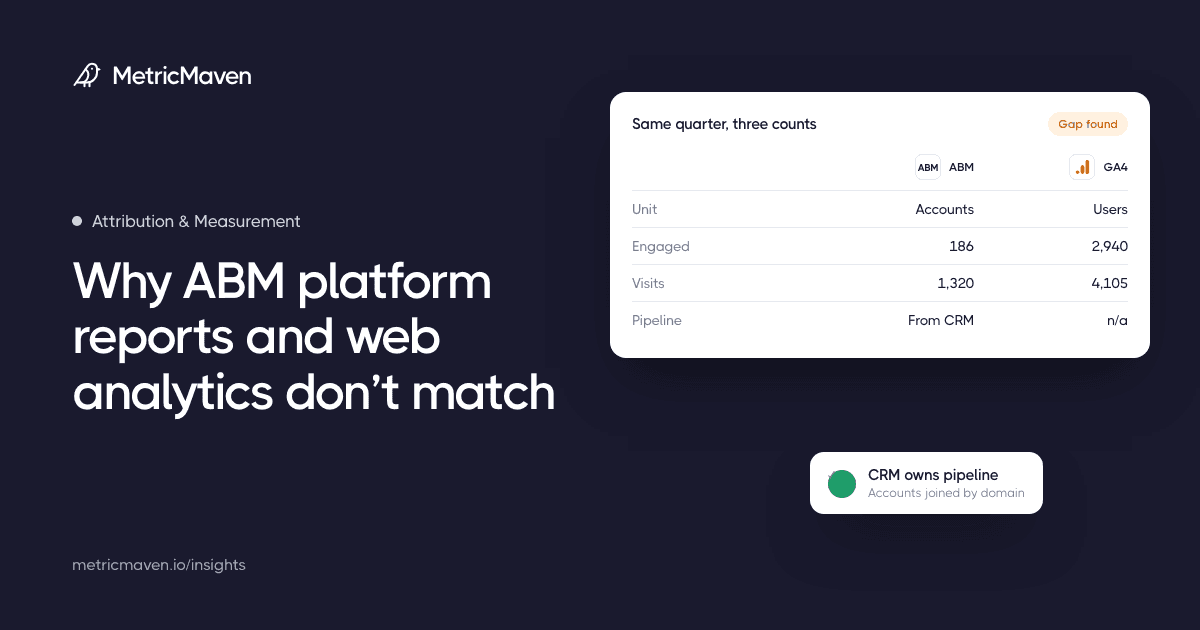
ABM platforms report accounts, GA4 reports people and events, and the CRM owns pipeline. Here is how to reconcile them before the next report review.
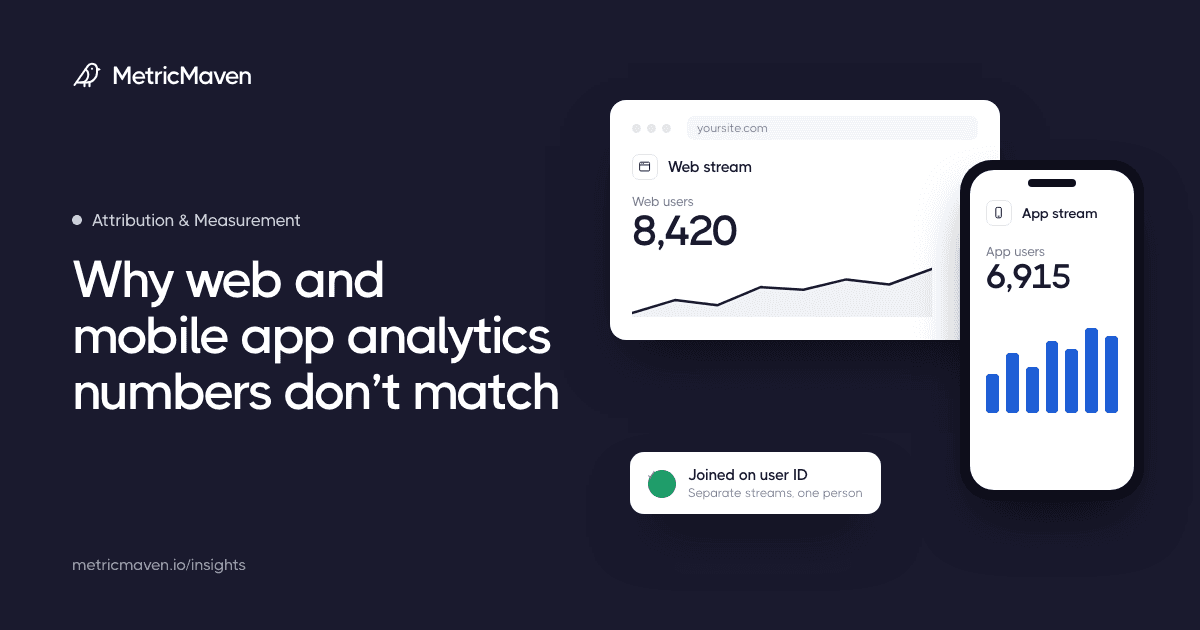
Web and app analytics disagree because they come from separate streams, identify people differently, and count installs, sessions, and attribution on different rules. Here is how to reconcile them before the next report review.
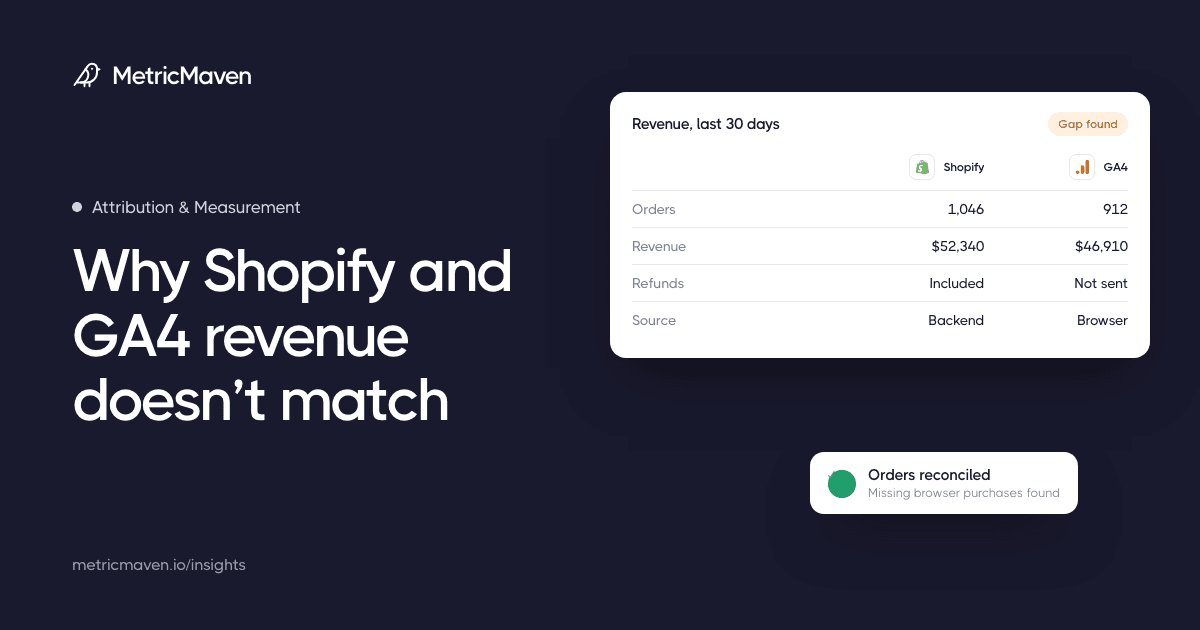
Shopify records every order on the backend while GA4 only sees purchases the browser reports. Here is how to reconcile orders and revenue before the next review.
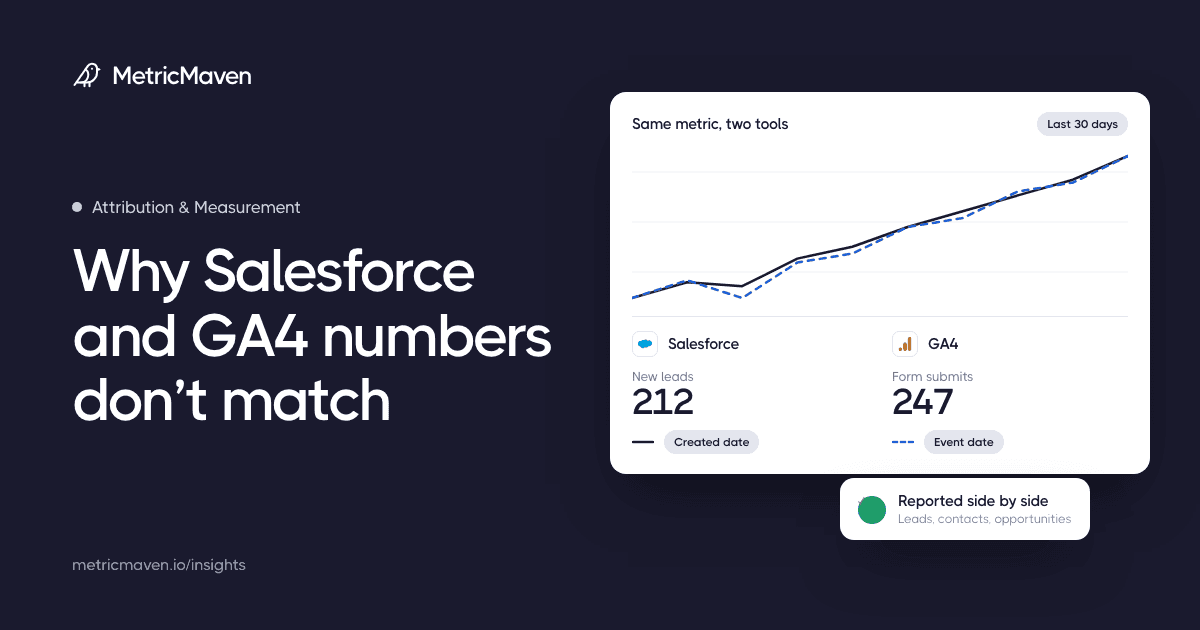
Salesforce counts leads, contacts, and opportunities while GA4 counts website events and sessions. Here is why the two disagree and how to report on both without guessing.
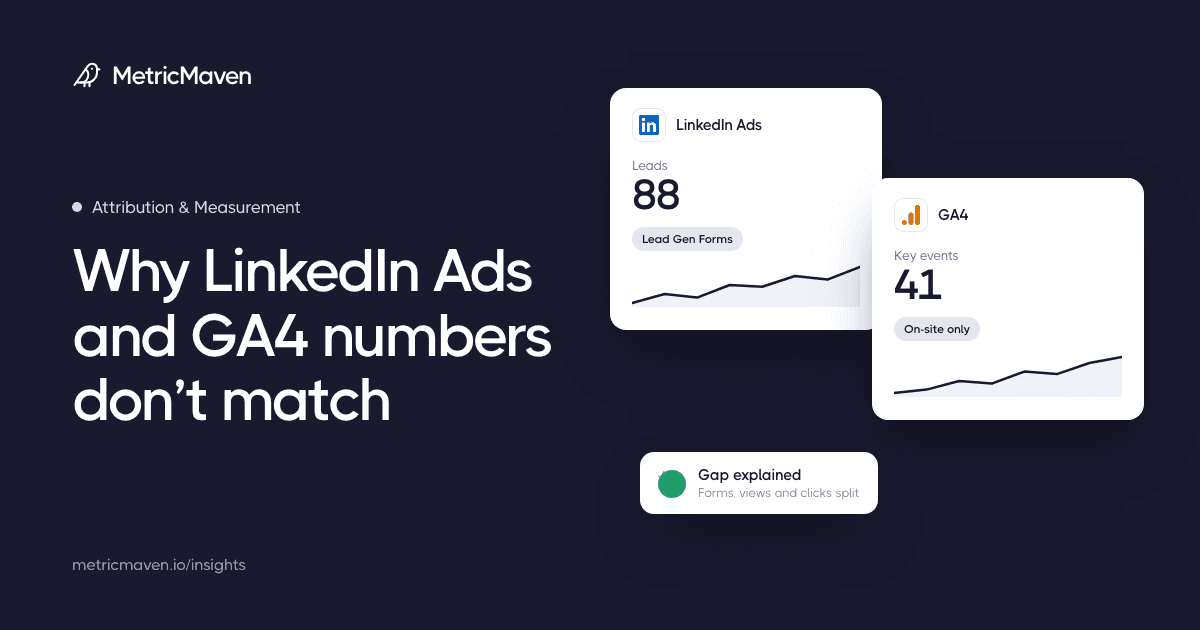
LinkedIn Ads and GA4 count different clicks, views, and people, so their numbers will not match. Here is how to explain the gap before the next report review.
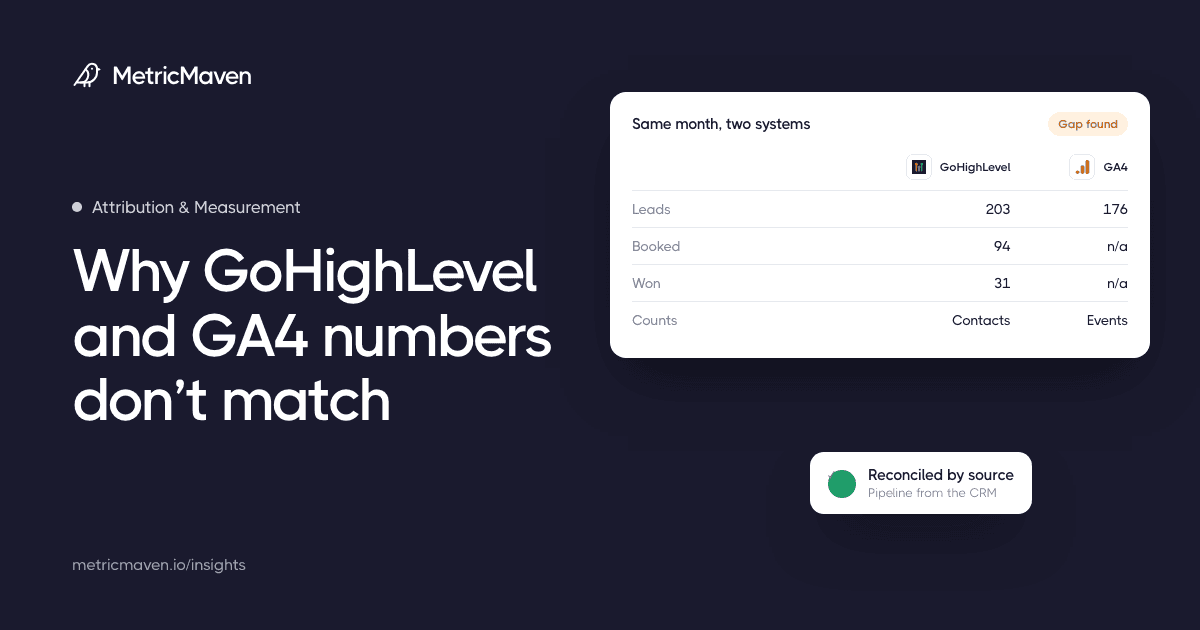
GoHighLevel counts contacts, pipeline, and won deals while GA4 counts web events and sessions. Here is how to reconcile the gap before the next report review.
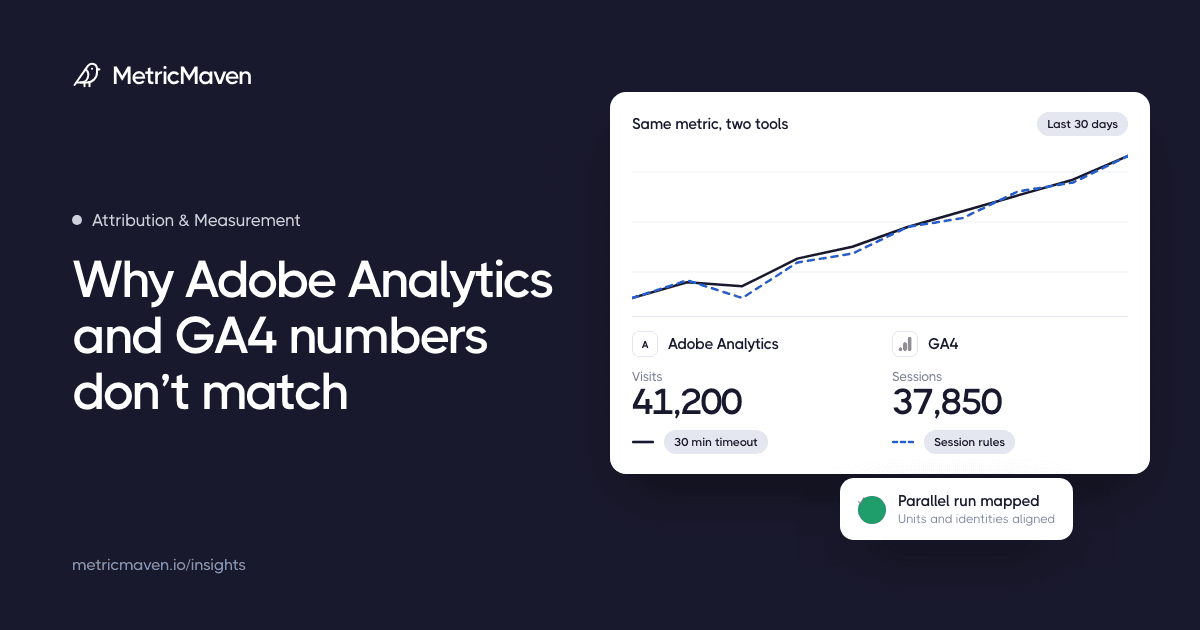
Adobe Analytics and GA4 use different units, visitor identities, timeouts, and attribution rules. Here is how to reconcile them during a migration or parallel run.
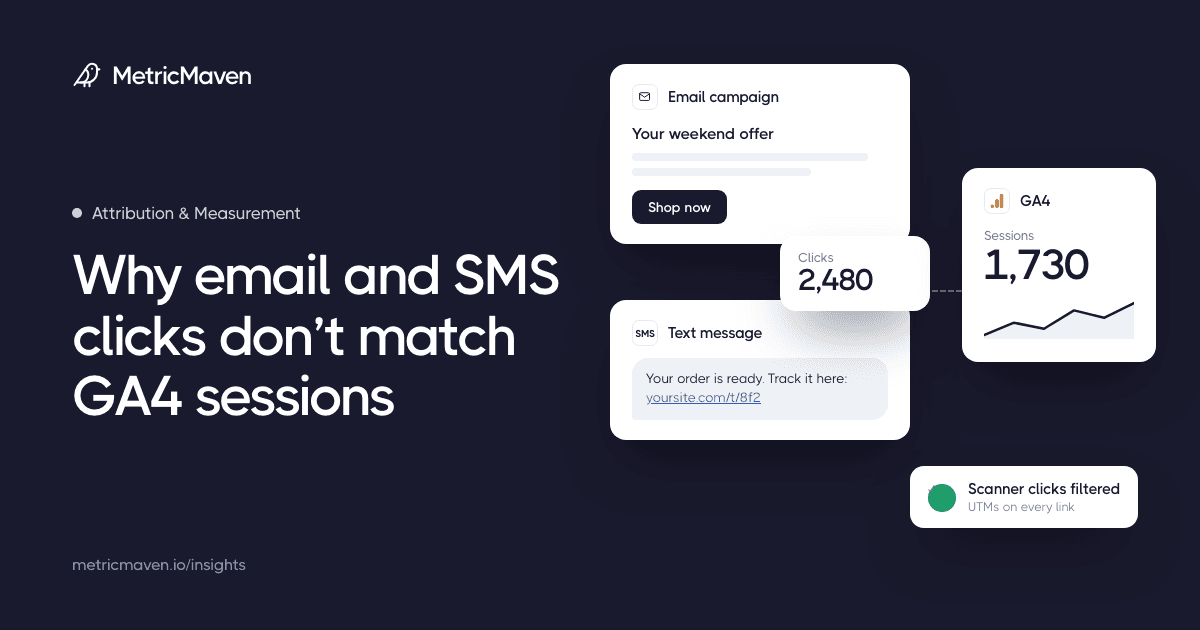
An email or SMS click and a GA4 session are different records. Scanners, redirects, UTM gaps, in-app browsers, and consent all change the count. Here is how to reconcile them.
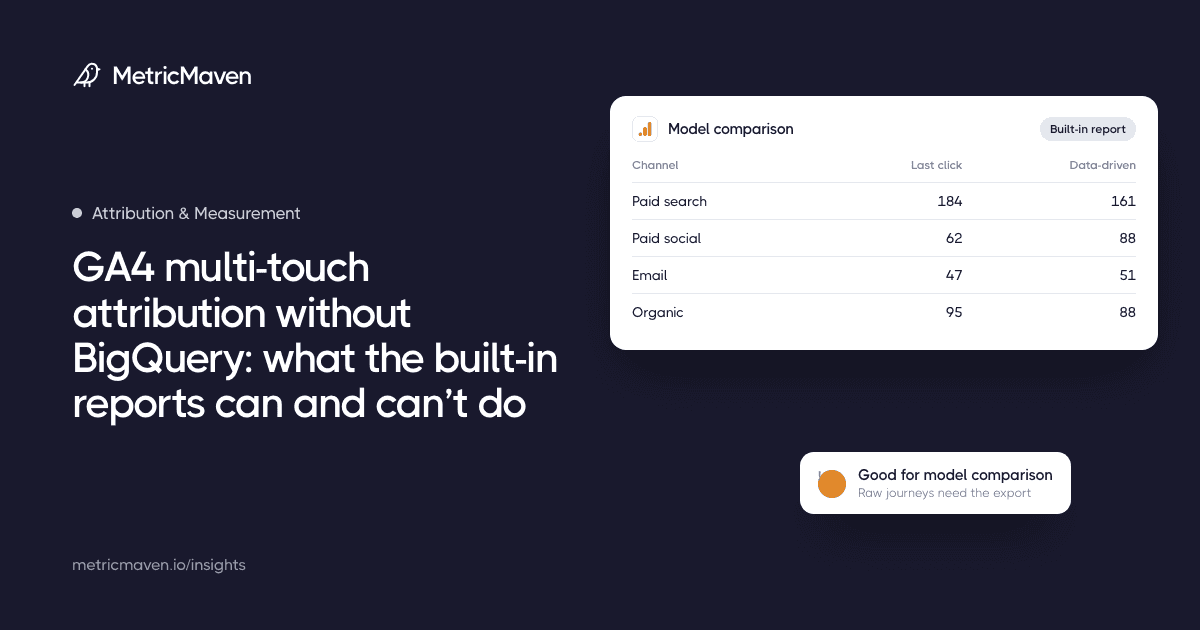
GA4’s built-in views cover model comparison, conversion paths, and lookback windows. Here is what they answer well, where they stop, and when the raw export becomes necessary.
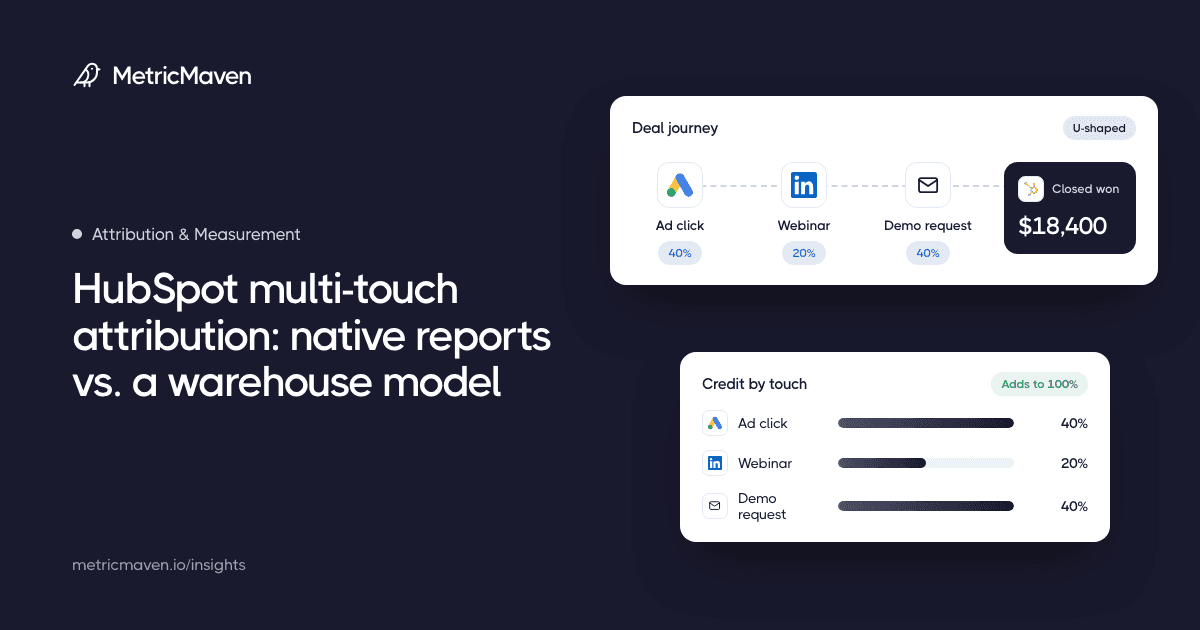
HubSpot’s built-in attribution reports are a useful start. Here is what they measure, where they stop, and how to rebuild the same questions in BigQuery.
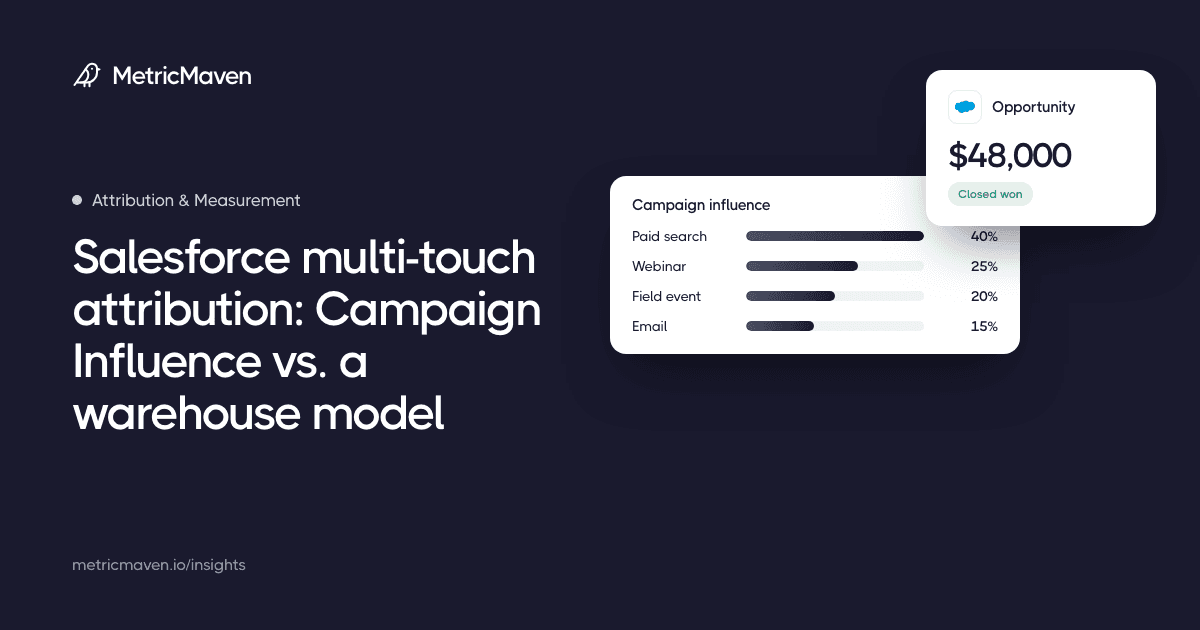
Campaign Influence credits revenue to campaigns through campaign members and contact roles. Here is where the native models stop, and how to build an auditable model in the warehouse.
1 article
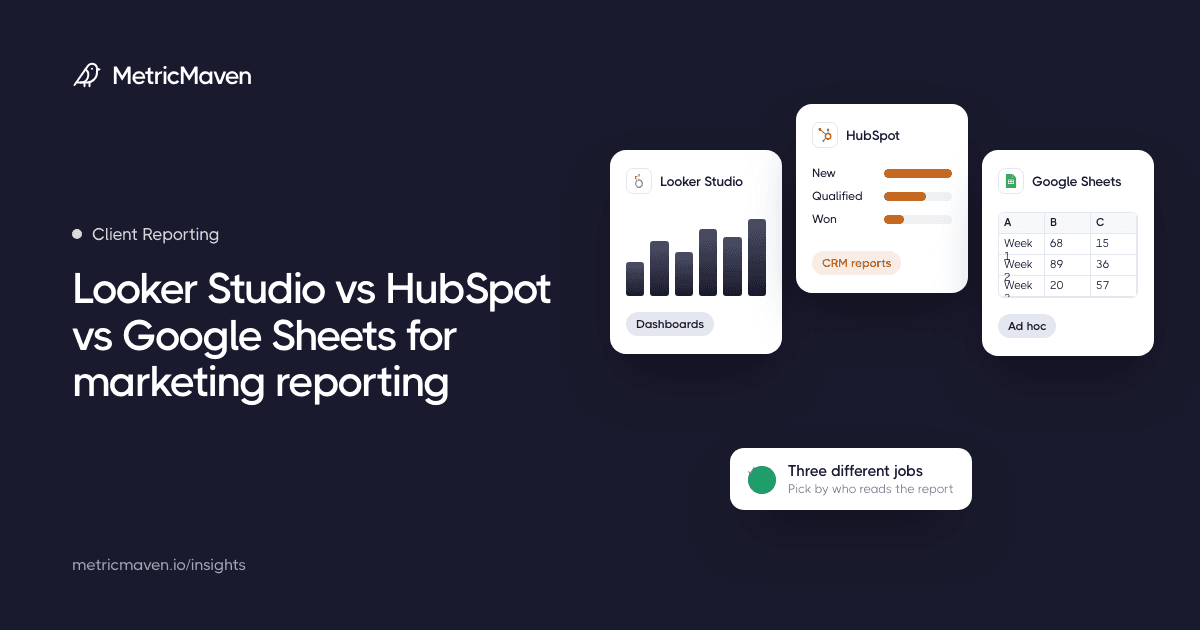
Looker Studio, HubSpot, and Google Sheets are three different reporting jobs, not three versions of one tool. Here is how to pick for your team and where each one breaks.
10 articles
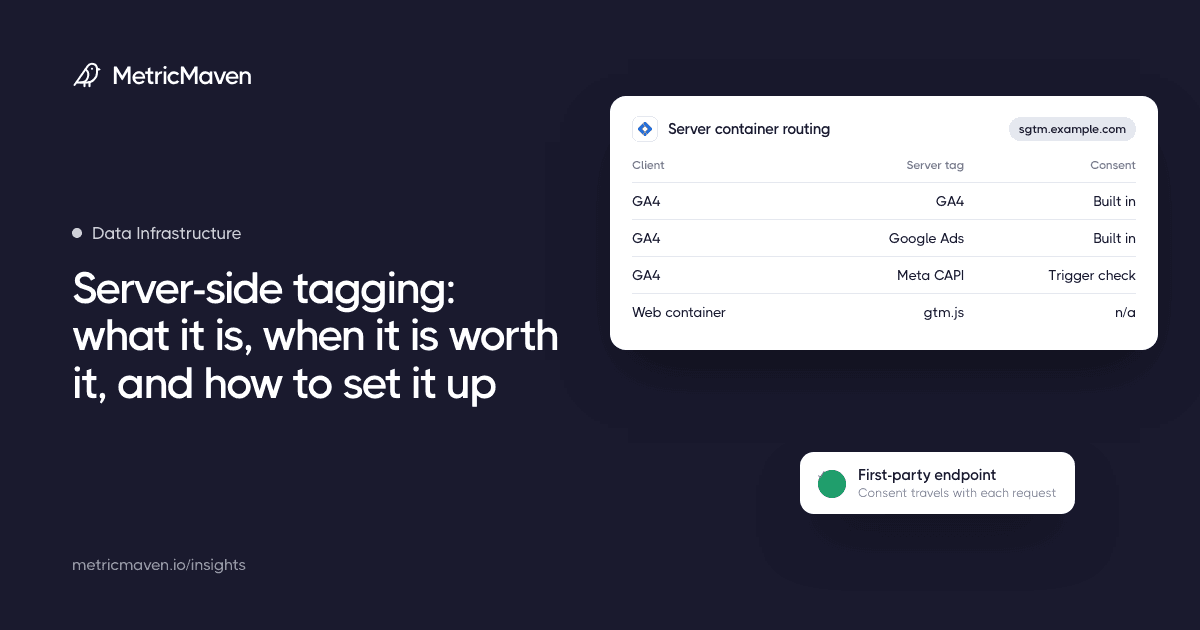
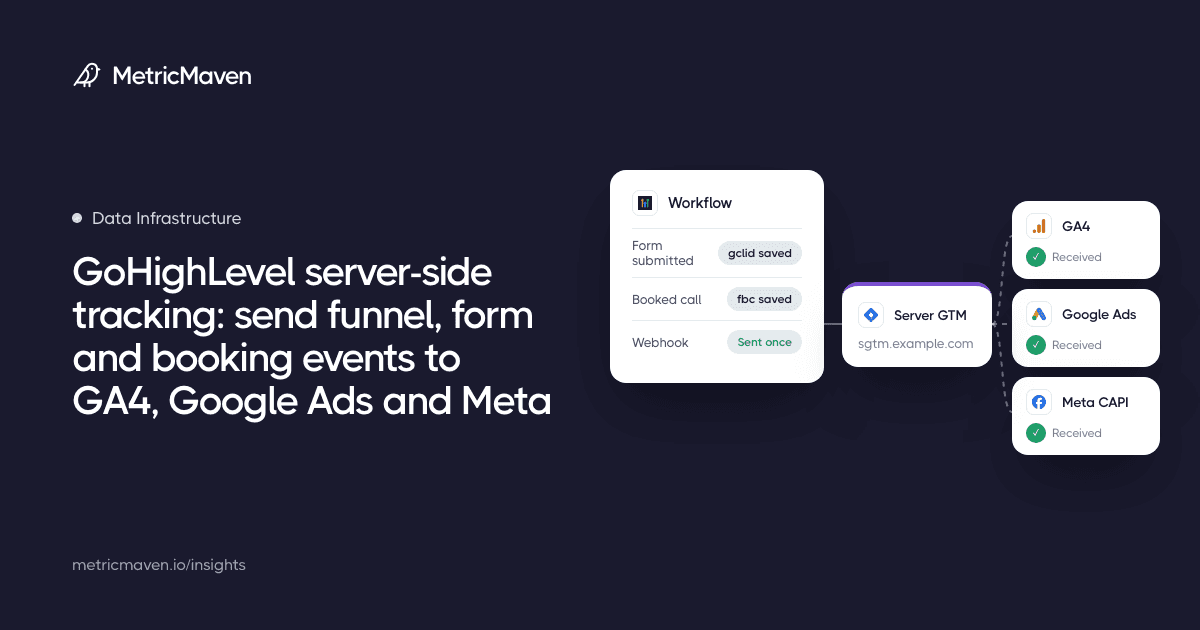
The complete guide to server-side tagging and tracking: how it works, a custom tracking domain, hosting and cost, Google tag gateway vs server-side GTM, and routing GA4, Google Ads, Meta and other platforms.
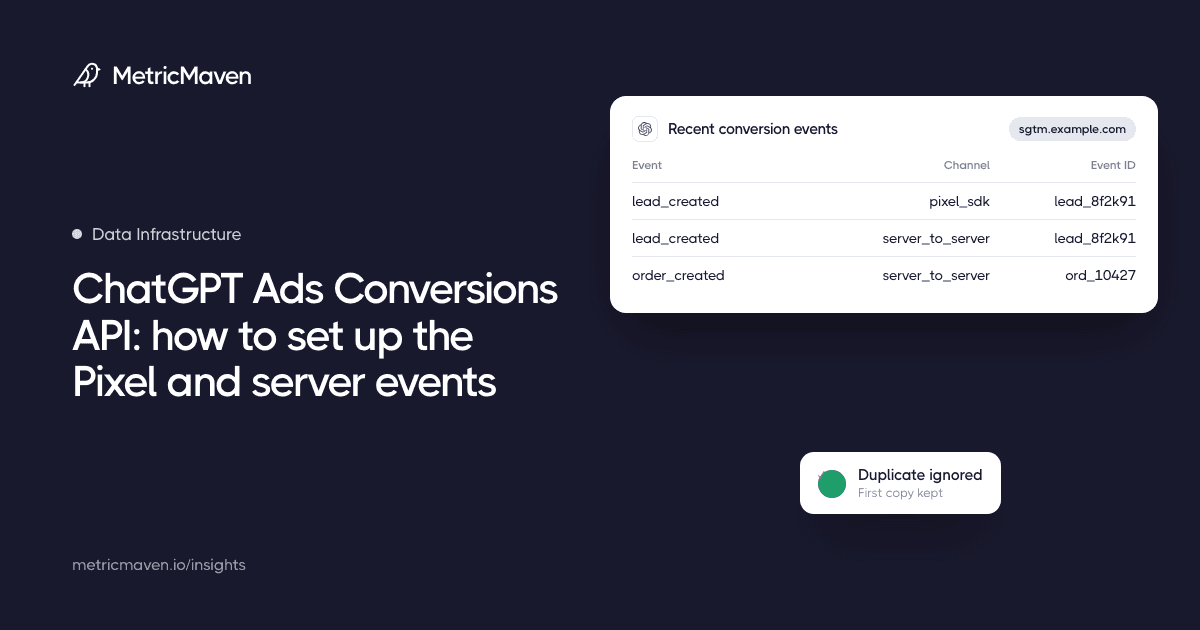
How to track ChatGPT Ads conversions: install OpenAI’s Pixel, send server events through the Conversions API from server-side GTM or your backend, share one event ID for deduplication, and check that it works.
How to track GoHighLevel funnels, forms and calendars server-side: where tracking code goes, why embedded forms break browser tags, server-side GTM on your own tracking domain, workflow webhooks, HighLevel’s native Meta CAPI and Google Ads actions, click IDs and deduplication.
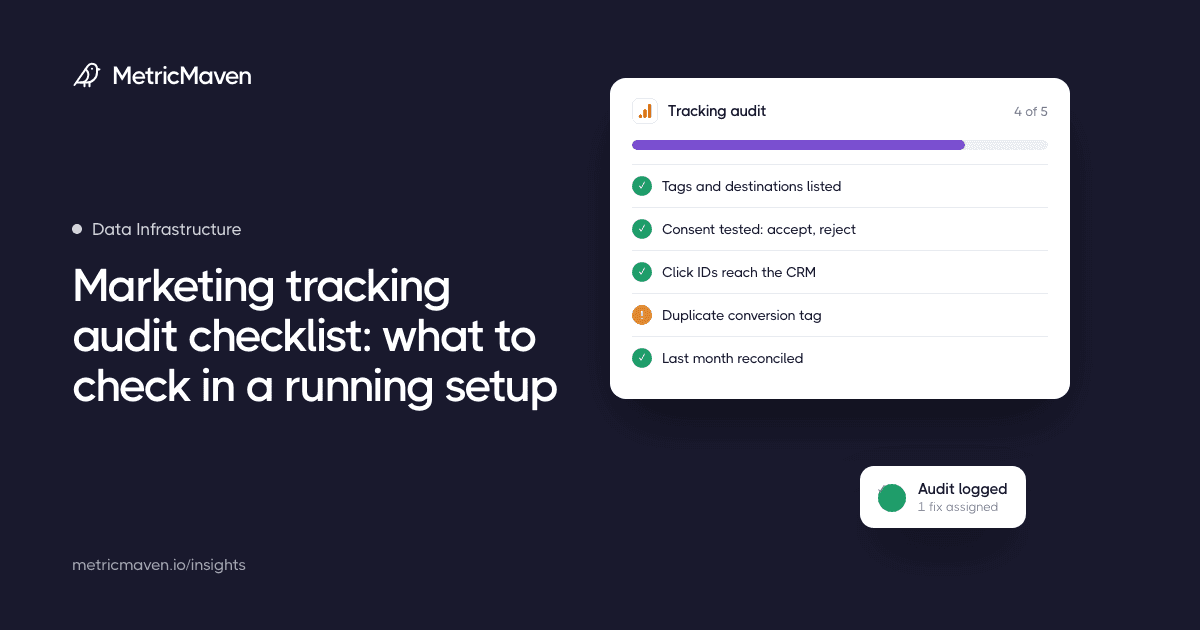
A tracking audit reviews a live setup step by step: tags, consent, GA4, campaign tags, ad platform conversions, the CRM handoff, and one period of reconciled numbers.
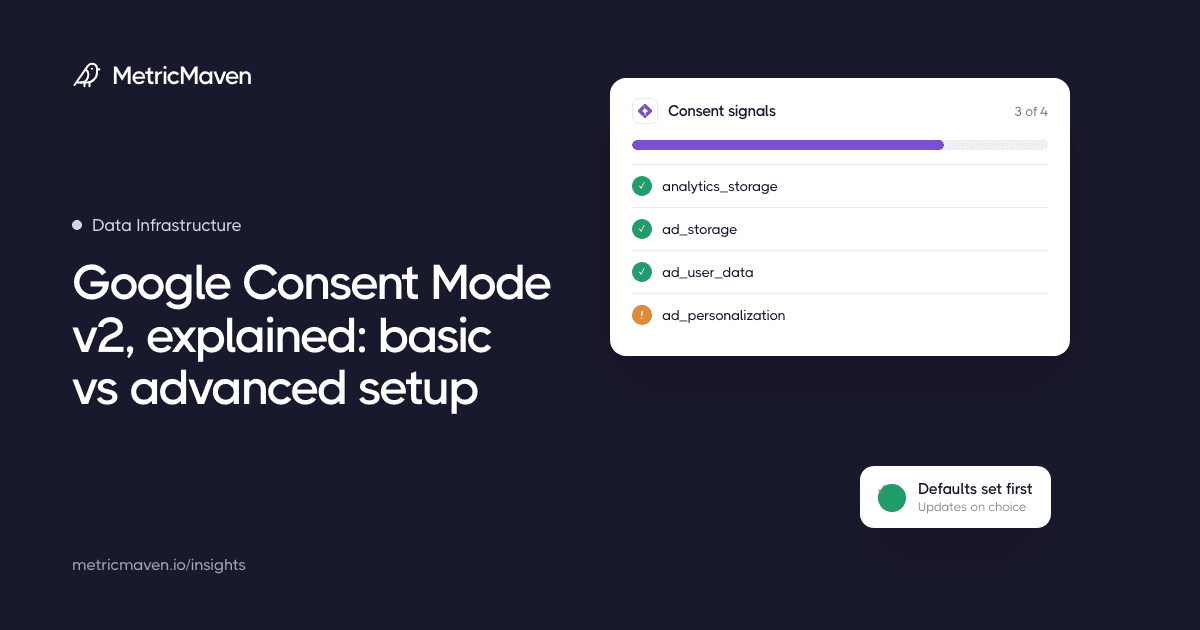
Consent Mode passes each visitor’s cookie choices to Google tags. Basic and advanced setups differ in whether tags wait for consent or send cookieless signals before it is given.
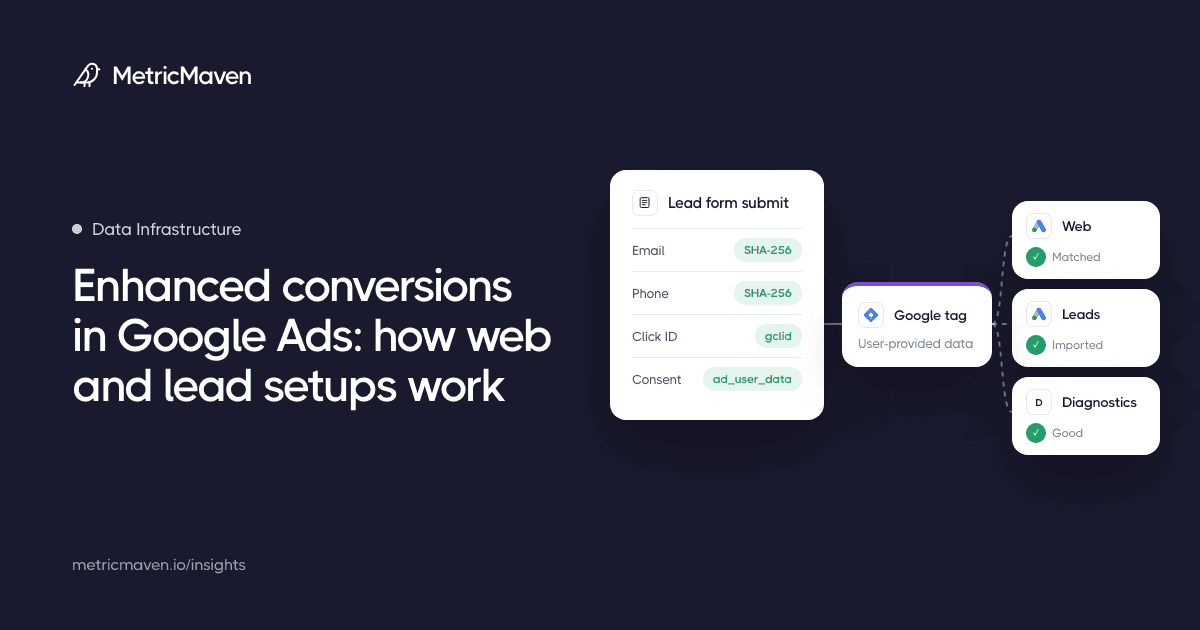
Enhanced conversions add hashed first-party customer data to Google Ads conversions so more of them can be matched to ad clicks. Here is how the web and lead versions differ, how to set them up, and how to check they work.
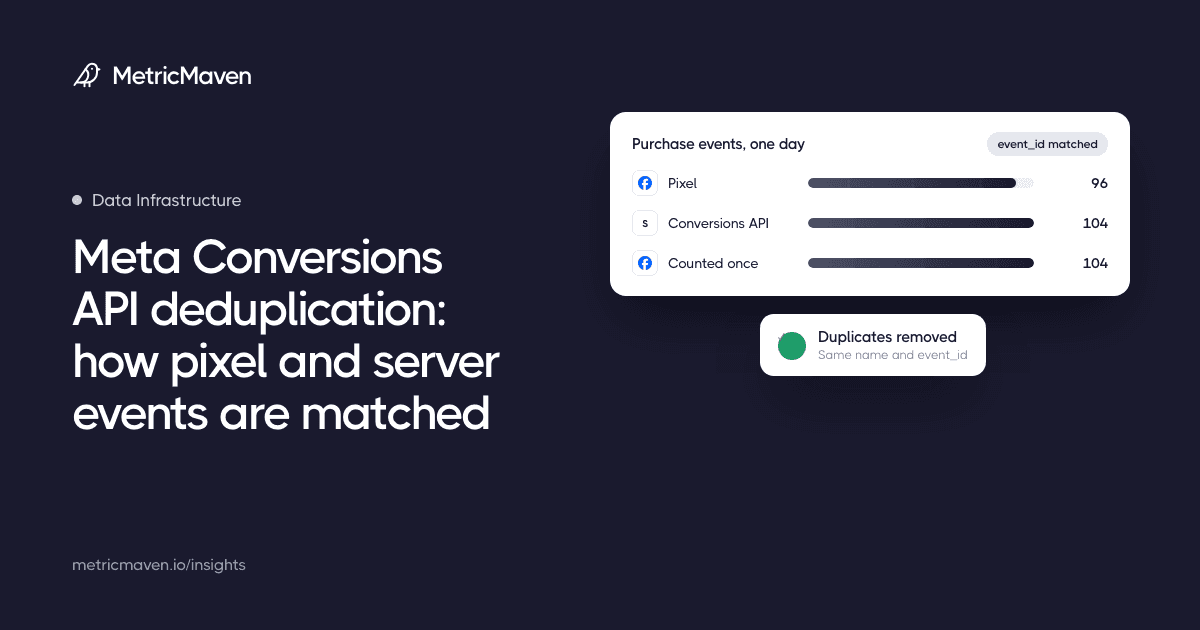
When the Meta Pixel and the Conversions API both report the same conversion, deduplication decides whether Meta counts it once. Here is how the matching works and how to check it.
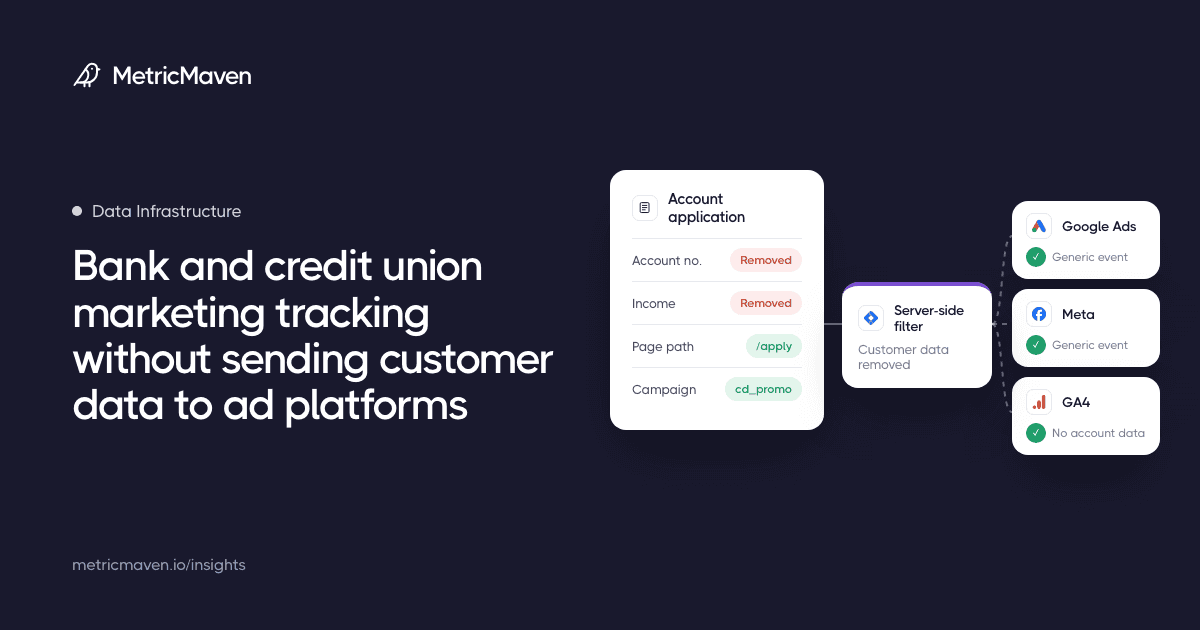
Banks and credit unions can still learn which campaigns produce funded accounts without passing account numbers, balances, or application details into ad platforms and analytics tools.
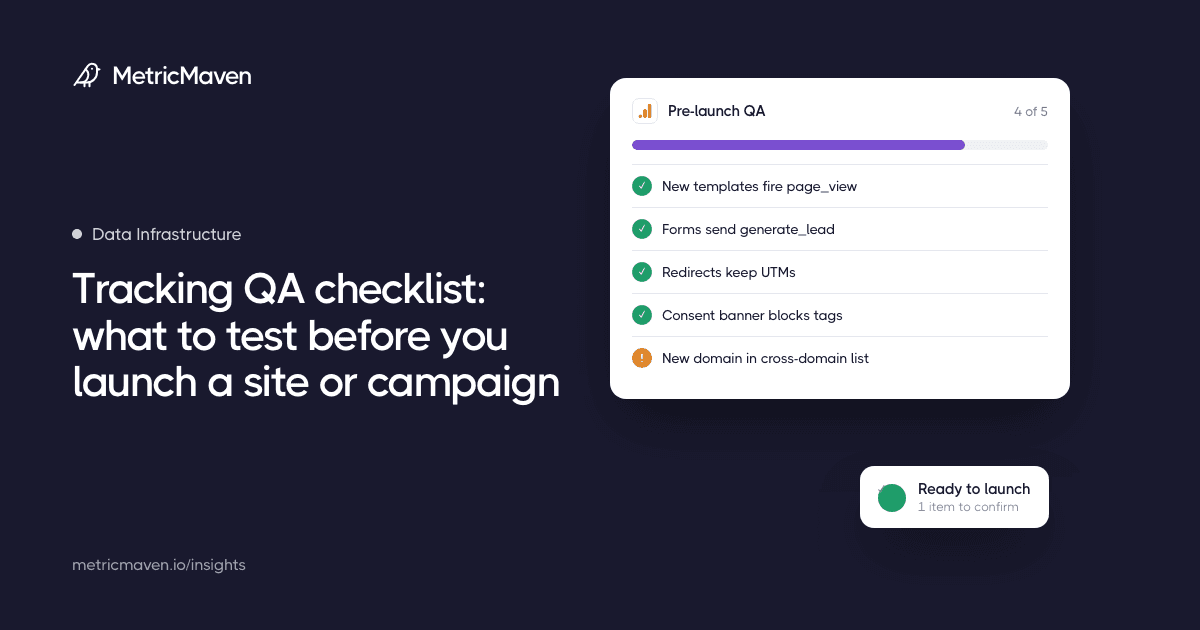
Launches break tracking in predictable places: new templates, new forms, redirects, consent banners, and new domains. Test each one before the traffic arrives.
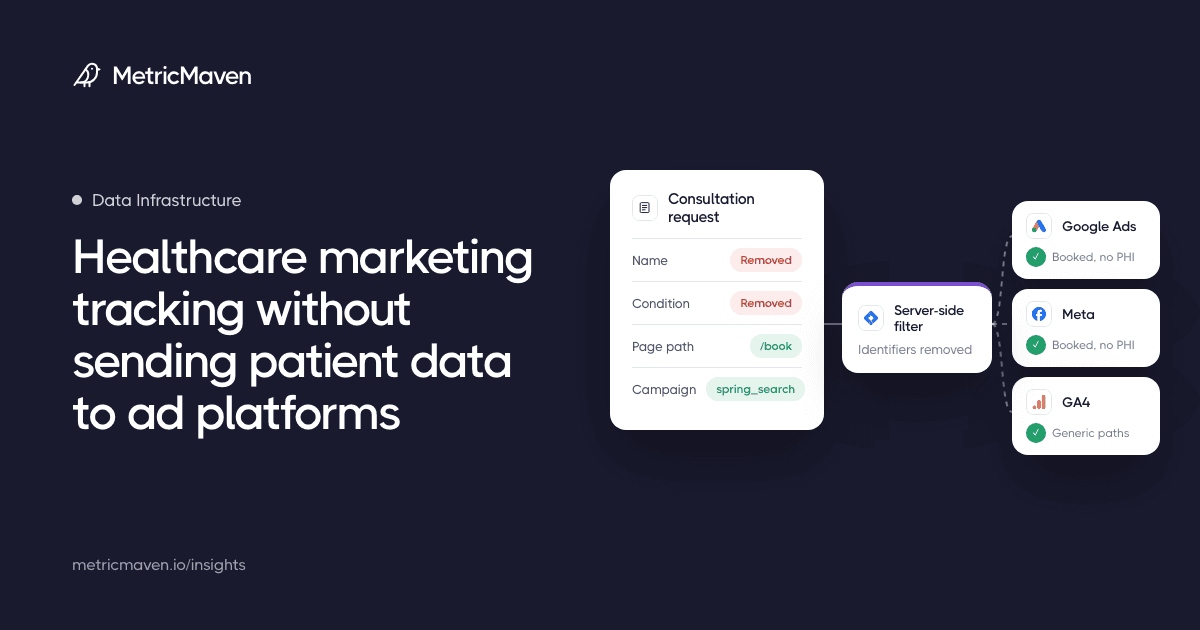
Healthcare teams can still learn which campaigns book consultations without passing clinical details, identifiers, or condition-specific page data into ad platforms and analytics tools.
8 articles
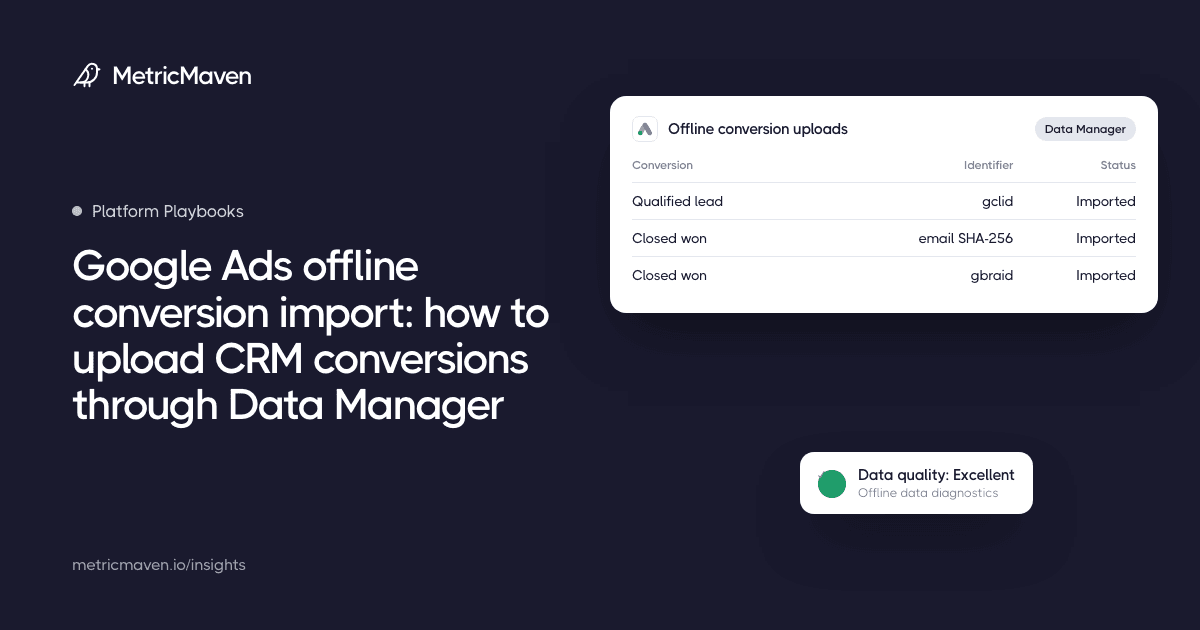
How to get offline and CRM conversions into Google Ads after the June 15, 2026 move to the Data Manager API: who has to act, GCLID import vs enhanced conversions for leads, each upload route step by step, field mapping, checks and common errors.
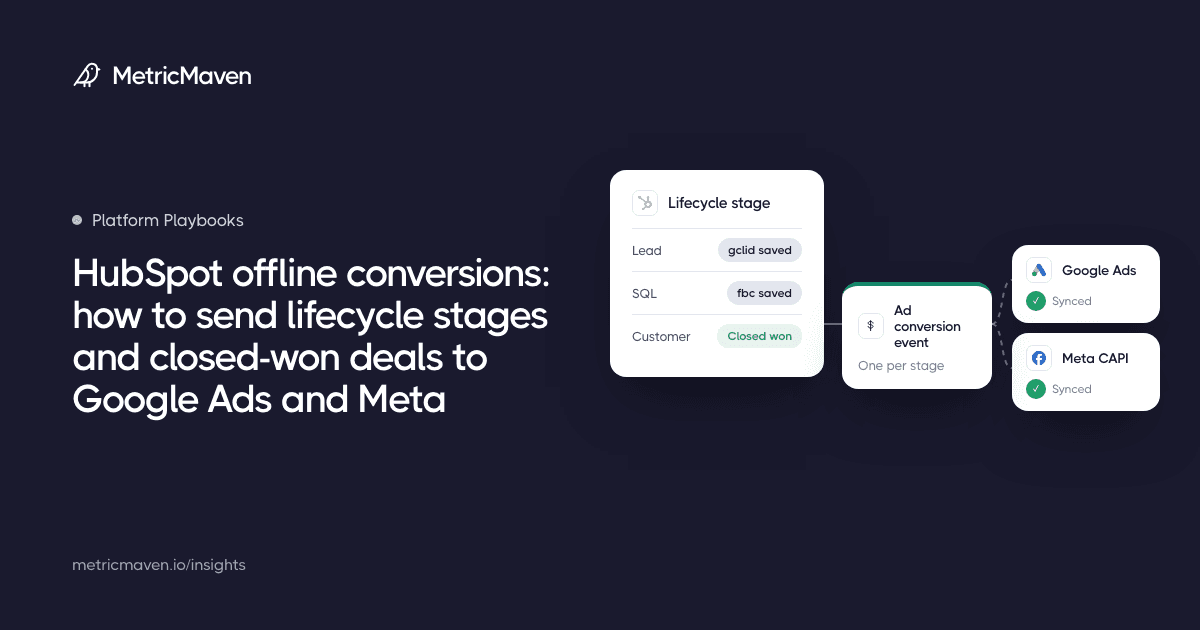
How to send HubSpot lifecycle stages and closed-won deals to Google Ads and Meta as offline conversions: HubSpot’s ad conversion events, Google’s Data Manager connection, the Meta Conversions API, click ID capture, which stages to send, and when you need a custom route.
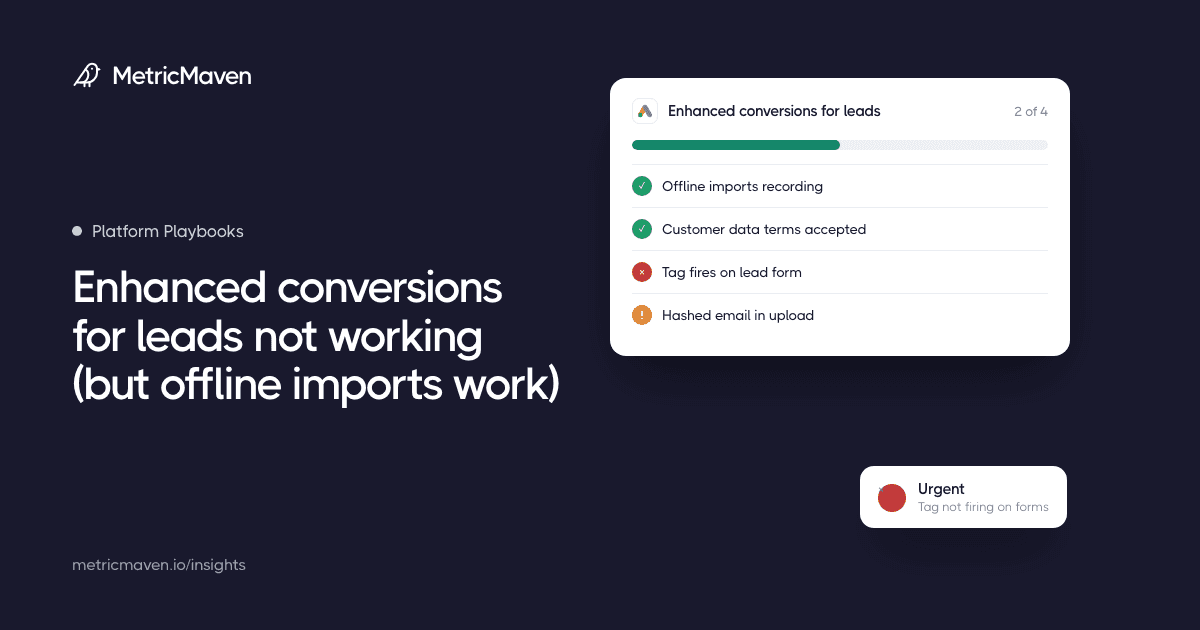
Your GCLID imports land, but enhanced conversions for leads never show. A symptom, cause, check and fix diagnostic built on Google’s own docs: the two diagnostics reports, customer data terms, the tag on your forms, hashing, the API cutoff and consent.
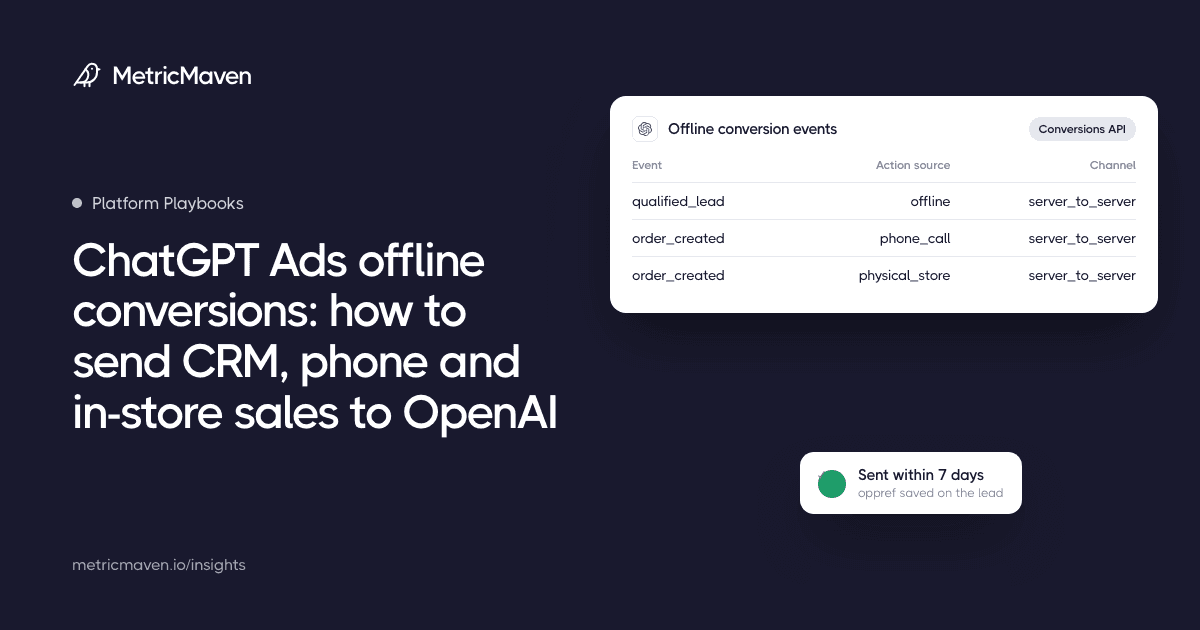
How to get offline outcomes into ChatGPT Ads: what OpenAI’s Conversions API accepts for CRM, phone and in-store events, which stages to send, the 7-day and 30-day clocks, LiveRamp’s invite-only program, and what isn’t documented yet.
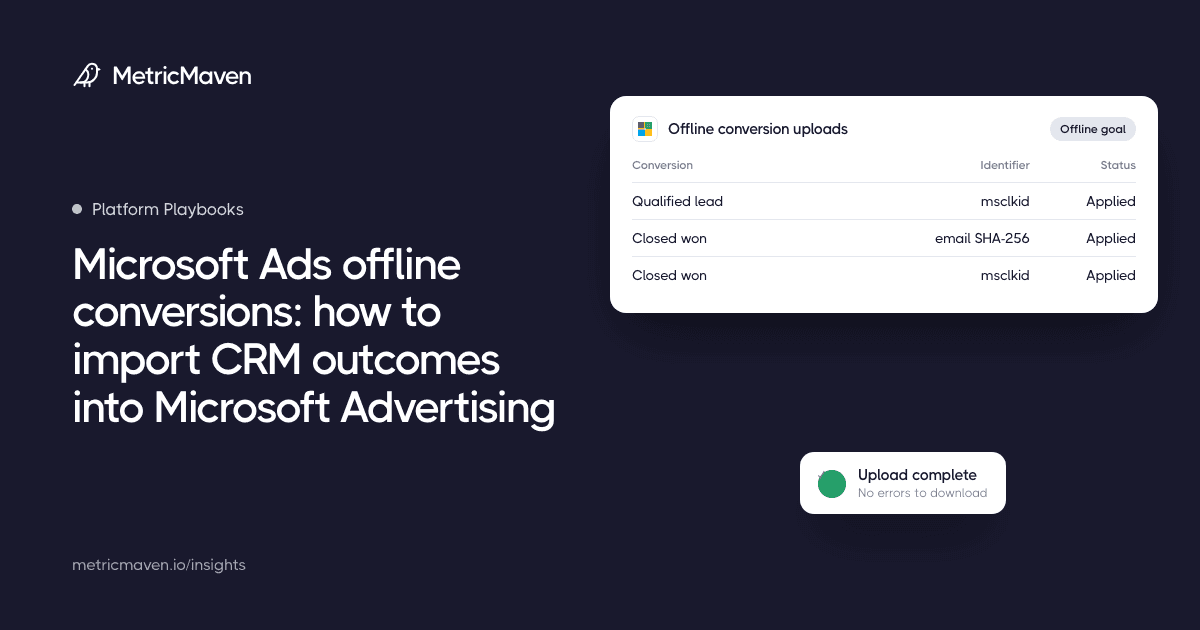
How to send offline and CRM conversions to Microsoft Advertising (Bing): capture the MSCLKID, create an offline conversion goal, upload by file, schedule or API, add hashed email and phone for enhanced conversions, and fix the common errors.
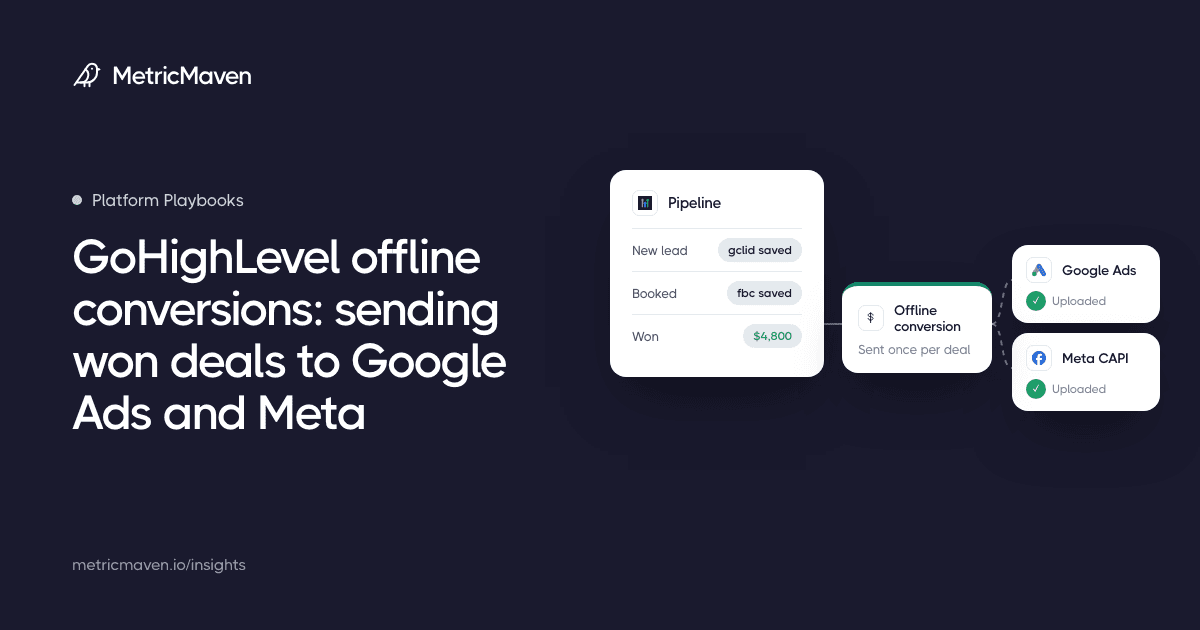
Google Ads and Meta only see the form fill unless you send outcomes back. Here is how to capture the match keys at lead time, trigger on won deals in GoHighLevel, and send them without double counting.
Your report has used up the GA4 property’s API quota. Switch the data source to owner’s credentials, merge duplicate GA4 sources and trim charts. If it keeps happening, extract the data or report from BigQuery.
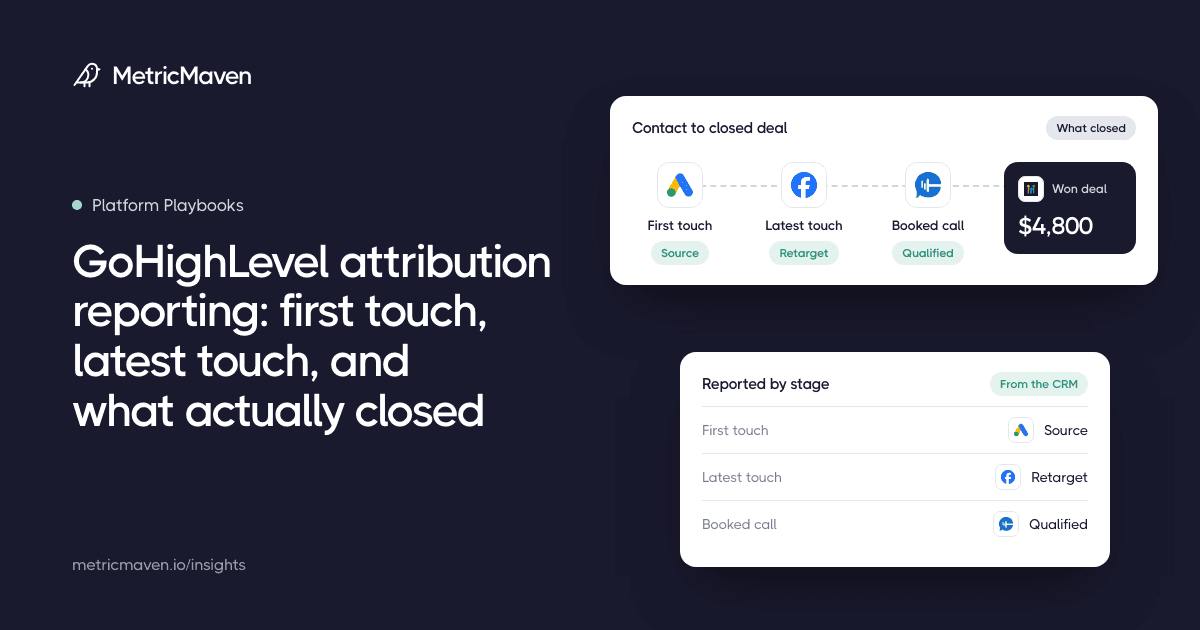
GoHighLevel stores a first and a latest source on each contact, and its Lead Source report shows won opportunity value by source for one sub-account. To see revenue by campaign across clients, keep UTMs on the contact, record a won date and join opportunities to source outside GHL.
4 articles
Keep the data checks and production steps the same for every client. Then spend your editorial time on what changed for that client.
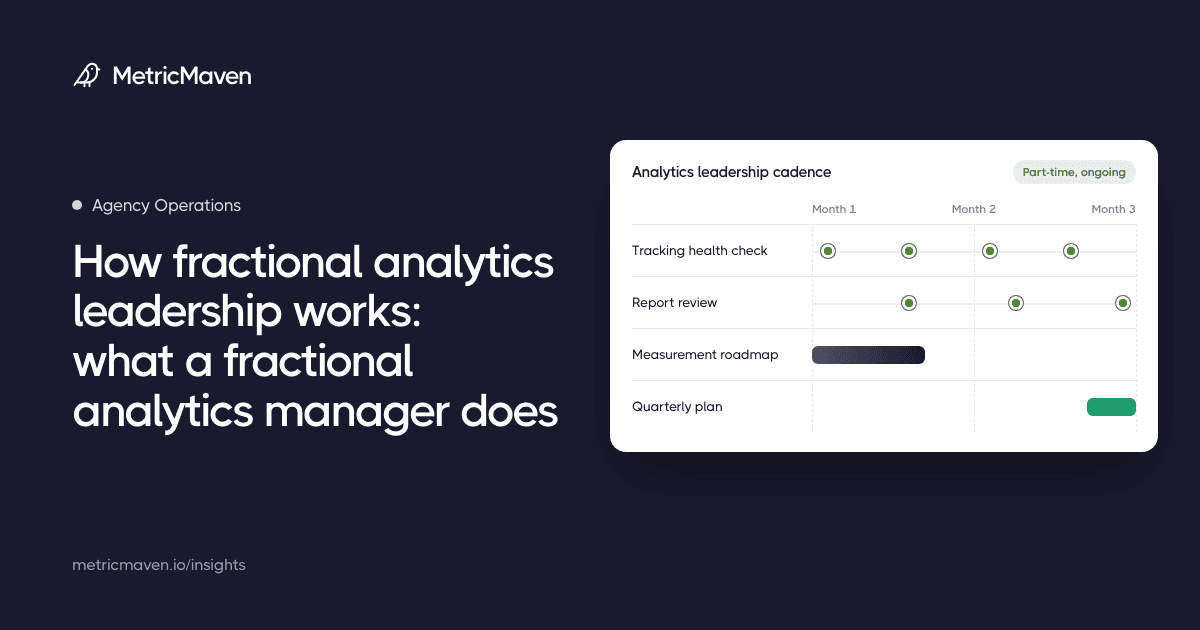
What fractional analytics leadership is, how the engagement model works, and why agencies use it instead of hiring a full in-house team.
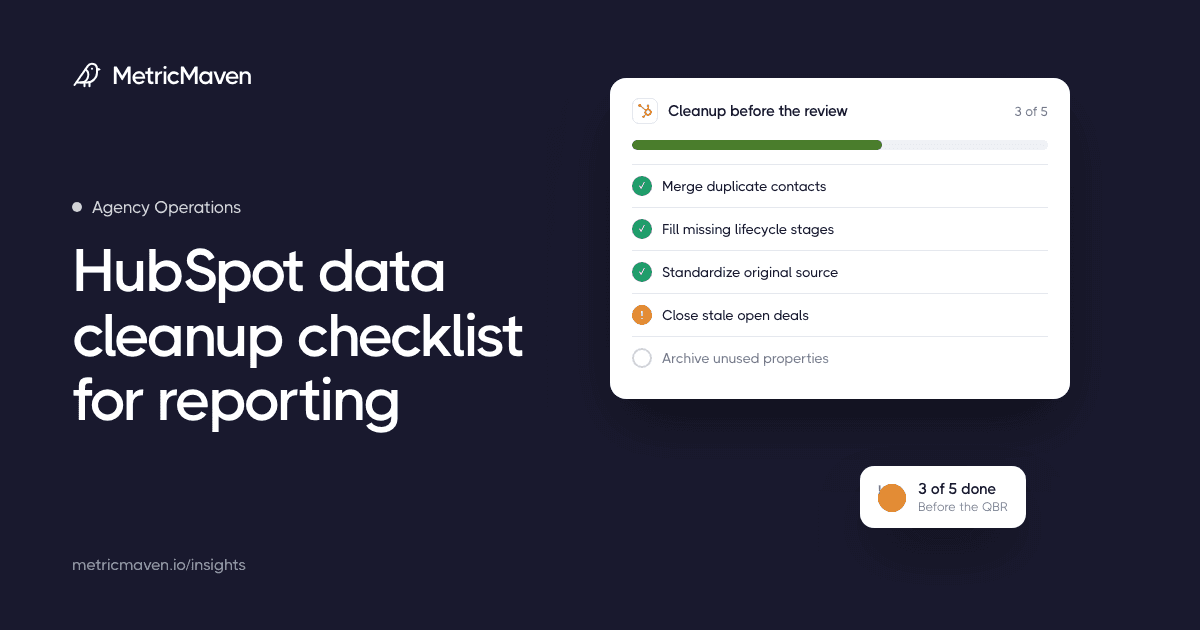
Use this HubSpot data cleanup checklist for reporting before a monthly review, QBR, board update, or client report turns into a numbers dispute.
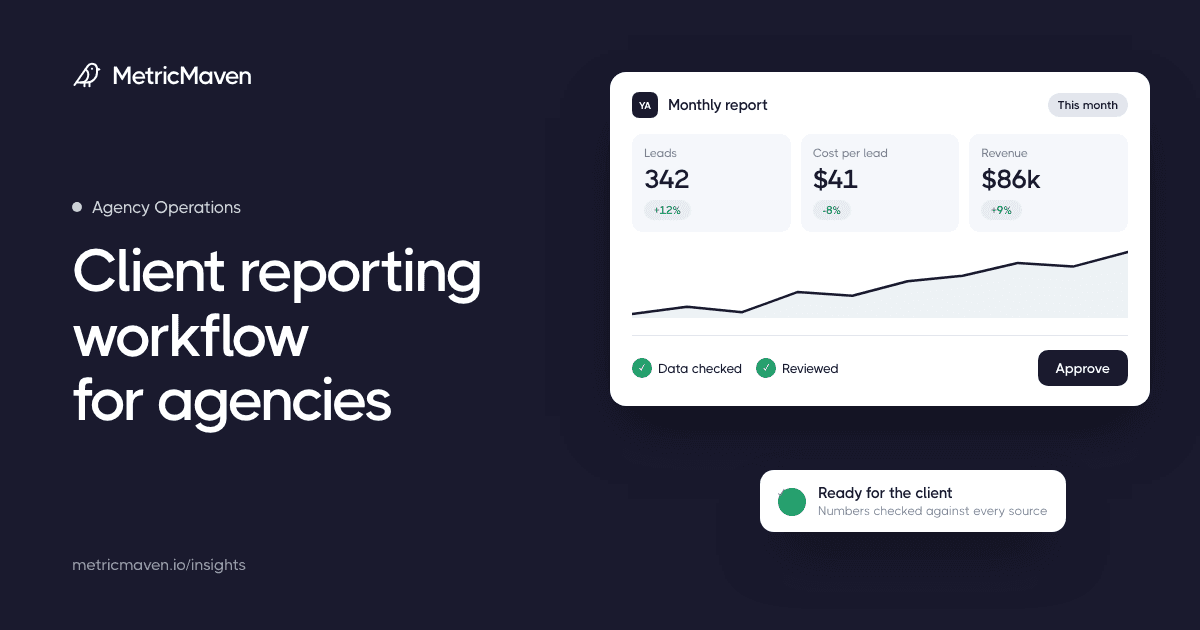
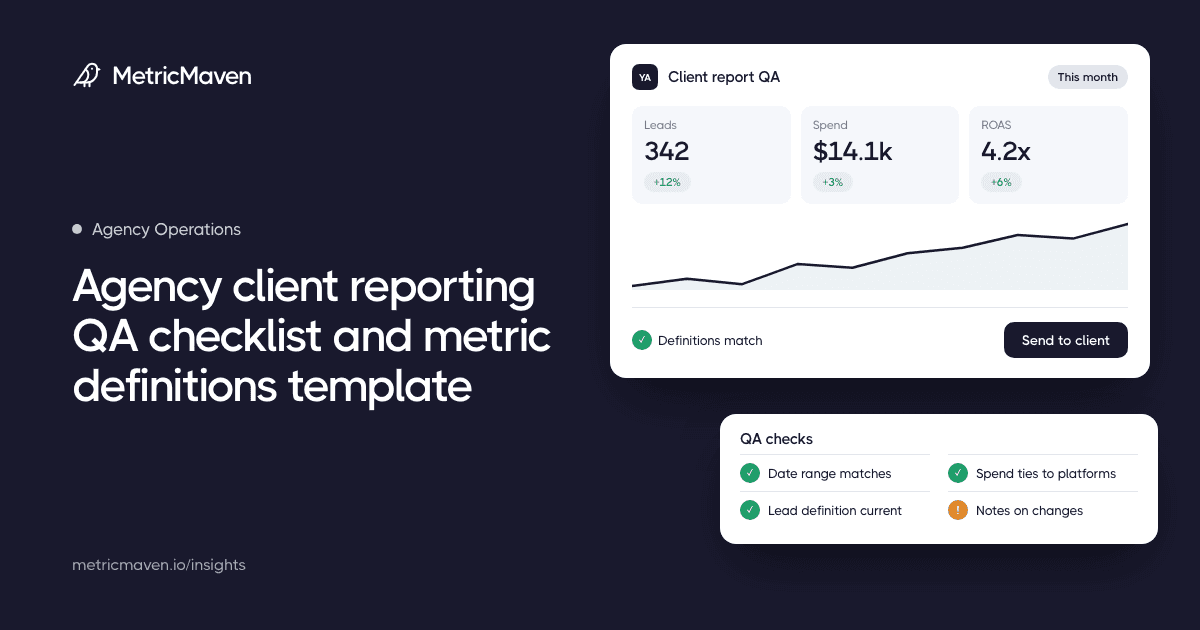
A client reporting QA checklist and a shared metric definitions template catch the errors that cause number disputes before the report reaches the client.
Run a Free Tracking Scan on your site and see every gap we find.